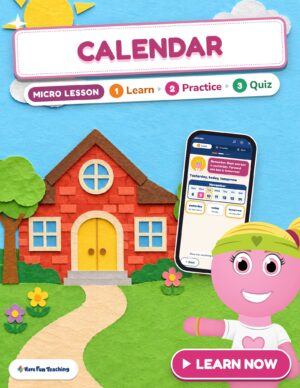
“What day is it today?” It sounds like an easy morning question. Then you ask what day tomorrow will be, and a few kids name the date, a few name the month, and one says “Saturday!” because that’s the day they’re hoping for. Reading a calendar is a set of small skills that kids have to put together.
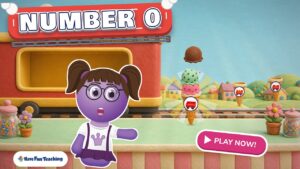
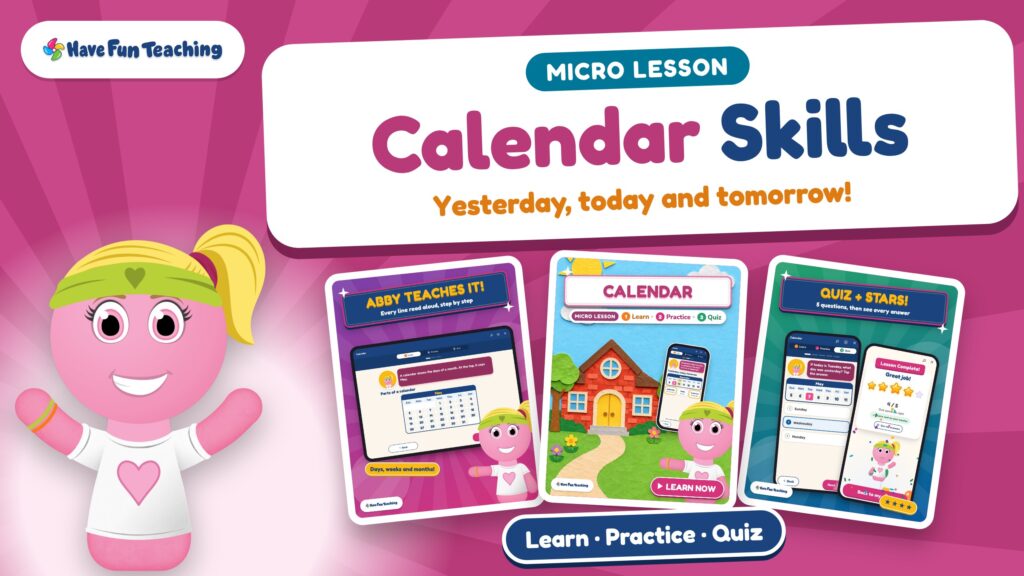
That’s why we made the Calendar Micro Lesson. Abby, one of our Funzy friends, teaches a calendar lesson on a sunny school day. She uses this week’s real calendar, so “today” in the lesson is the same day your kids are living. She reads every word out loud, so every child can follow along.
Below you’ll find what’s inside, a one-minute video tour, a mini-quiz your kids can try right now, and easy ways to use it in class or at home.
- One skill, start to finish: reading a calendar, from the days of the week to the twelve months of the year.
- Three short parts: Learn (with real calendar pages), Practice (with hints that explain why), and a 5-question Quiz with stars at the end.
- Abby reads directions, questions and answer choices aloud.
- Works on phones, tablets, Chromebooks, computers and interactive whiteboards.
- Included with a Have Fun Teaching membership. Assign it in HFT Classroom and quiz scores come right back to you.
What is a Micro Lesson?
A Micro Lesson is a short, complete lesson on one skill. It teaches first, lets kids try with support, and then checks what stuck. Every part is narrated, so a child can work through it on their own while you pull a small group.
Learn
Abby explains the calendar step by step. Kids tap parts of the page and hear what each one means.
Practice
Kids answer a few questions. A wrong answer gets a friendly hint that explains why, then another try.
Quiz
Five questions in mixed styles, then a stars screen that celebrates the score.
HFT Classroom
Assign it to your class and every quiz score is sent back to you automatically.
Inside this calendar lesson
The lesson starts with the parts of a calendar page: the month at the top, the seven days of the week across the top row, and the dates in the boxes. Kids tap each part and Abby names it. Then she shows the last date of the month, so kids see that months don’t all end on the same number.
Next comes this week, with today in pink. Abby teaches a simple trick kids can use on any calendar: back one box is yesterday, and forward one box is tomorrow. To finish, kids say the twelve months of the year in order, from January to December.
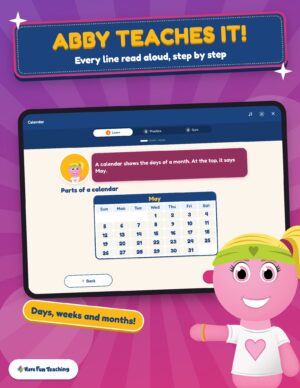 Part 1 · LearnLearn with a real calendarThe month, the days of the week and the dates.
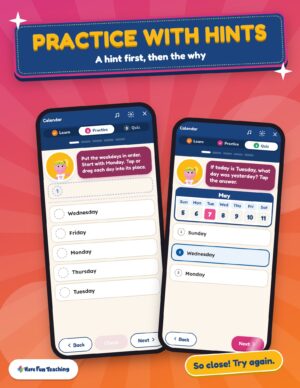 Part 2 · PracticePractice with hintsEvery wrong answer gets a hint that explains why.
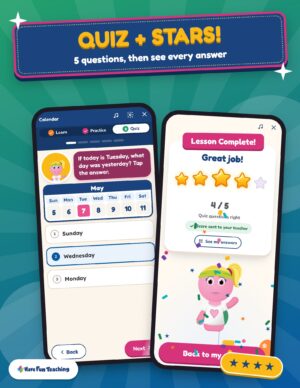 Part 3 · Quiz5-question QuizYesterday, dates, months in order and the weekend.
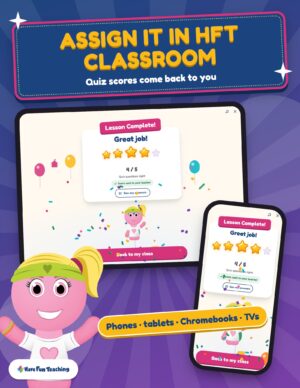 For teachersScores in HFT ClassroomSee each student’s quiz score and their answers in words.
Practice keeps the support on. Kids put the weekdays in order, find tomorrow on this week’s calendar, star a date on a month page and name the month that comes next. Pick the wrong day and Abby doesn’t just say “try again.” She points back to the calendar and counts forward one box with you.
The quiz mixes question styles so kids show what they know: finding yesterday, reading the day of a date, putting months in order, and choosing both weekend days. Then the stars come out.
See it in action (video)
This one-minute tour shows each part of the lesson, from the calendar page to the stars screen.

Try it: a calendar mini-quiz for kids
Read each question with your child or your class. Look at a calendar if you need one, then tap to check the answer. No peeking!
1. If today is Wednesday, what day will it be tomorrow?
Thursday — tomorrow is forward one box on the calendar.
2. If today is Monday, what day was it yesterday?
Sunday — yesterday is back one box. On most calendars, Sunday is the first box in the row.
3. Which month comes right after September?
October — then November and December finish the year.
4. How many days are in one week?
Seven — Sunday, Monday, Tuesday, Wednesday, Thursday, Friday and Saturday.
5. Challenge: find your birthday on a calendar. What month is it in, and what day of the week is it this year?
Say the month first, then the day of the week. If you said something like “June, on a Friday,” you read the calendar like a pro!
How do you teach the calendar to 1st graders?
Calendar skills click when kids use the calendar every day, not just once in a unit. Most first graders already know a few days of the week by heart. The hard part is connecting those words to boxes on a page. Here’s a simple order that works, with or without the Micro Lesson.
Sing the days
A days of the week song makes the order stick before kids ever look at the grid.
Name the parts
Point to the month, the row of days and the dates. Kids say each part out loud.
Find today
Every morning, one helper finds today and marks it. Routine builds confidence.
Move one box
Back one box is yesterday. Forward one box is tomorrow. Practice it with a finger on the page.
Chant the months
Say the twelve months in order, then find the month you’re in and the one that comes next.
Check it
A short quiz tells you who has it and who needs a few more mornings at the calendar.

Ways to use it in class and at home
Small-group rotation
One station runs the Micro Lesson on tablets while you work with a group at the table.
Morning meeting
Put the Learn pages on the board during calendar time and let kids find today, yesterday and tomorrow together.
Homework or homeschool
Every word is read aloud, so kids can do it at the kitchen table without a grown-up reading to them.
Quick check
Assign it in HFT Classroom at the end of a calendar unit and see who’s ready.
Members: assign it in HFT Classroom
With a Have Fun Teaching membership, Micro Lessons are included. Assign this calendar lesson to your class, and students join with a class link and a picture, with no student emails. When they finish the quiz, you see each score and their answers in words. See how HFT Classroom works.
Practice calendar skills with printables
The Micro Lesson teaches the skill. These printables give kids more practice with the same ideas on paper.
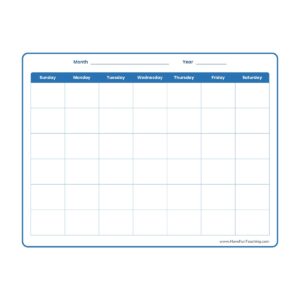 PrintableBlank CalendarFill in the month and dates, then mark today.
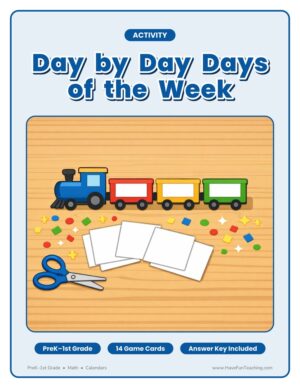 K–1st · ActivityDays of the Week ActivityPut the seven days in order.
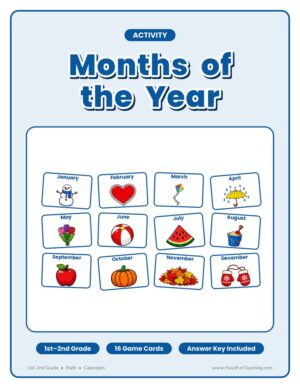 1st–2nd · ActivityMonths of the Year ActivityPractice the twelve months in order.
You’ll find even more practice on the calendar resources page.
More Micro Lessons
We’re building a whole library of Micro Lessons, one skill at a time, each with its own Funzy teacher.
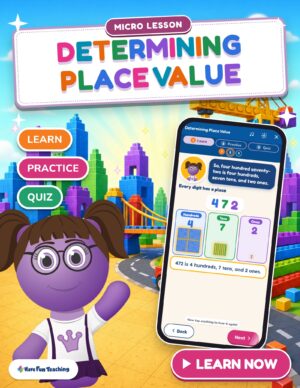 Math · Micro LessonDetermining Place ValueHundreds, tens and ones with blocks kids can count.
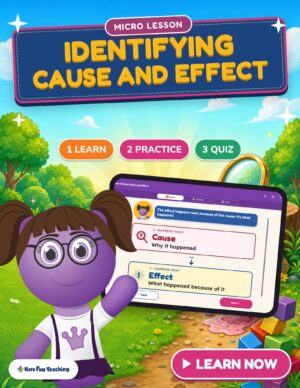 Reading · Micro LessonIdentifying Cause and EffectWhat happened, and why? Learn, practice and a quiz.
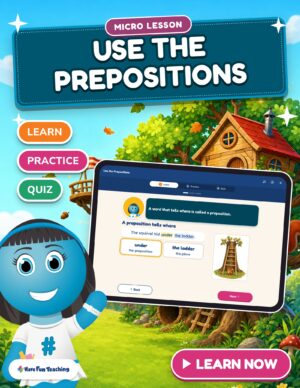 English · Micro LessonUse the PrepositionsWords that tell where, in a treehouse club.
Keep exploring
Get it included with a membership
Every Micro Lesson, plus 6,600+ resources
Members get every Micro Lesson, game, printable, song and video. Try it free for 3 days.
- The Calendar Micro Lesson, included
- Every printable, song and video, Preschool–6th
- Assign Micro Lessons and games in HFT Classroom
- Unlimited downloads, new resources added every week
Calendar lesson: questions teachers ask
What grade is the Calendar Micro Lesson for?
It is made for 1st grade. It’s also a great stretch for kindergartners who already know the days of the week and a quick review for 2nd graders. Abby reads everything aloud, so kids who are still growing as readers can follow along.
How long does a Micro Lesson take?
Most kids finish in one sitting. The lesson has three short Learn pages, a few Practice questions and a 5-question Quiz. Because Abby reads everything aloud and gives hints right away, kids keep moving instead of getting stuck, which makes it easy to fit into a center rotation or a homework night.
Is the Micro Lesson included in a Have Fun Teaching membership?
Yes. Micro Lessons are included with every Have Fun Teaching membership, along with games, printables, songs and videos. Members can start the lesson right away and assign it in HFT Classroom. You can open a free preview first, and memberships start with 3 free days.
How does HFT Classroom show me my students’ scores?
Assign the Micro Lesson to your class in HFT Classroom. Students join with a class link and a picture, with no student emails. When a student finishes the quiz, the score is sent back to you, and you can see each answer in words, so you know exactly which calendar questions need another look.
What devices does the Micro Lesson work on?
It runs in the web browser on phones, tablets, Chromebooks, laptops and interactive whiteboards, with nothing to install. The read-aloud voice works on every device, so kids can use headphones at a center or the whole class can listen together on the board.
Let Abby teach the calendar tomorrow.
Open the free preview tonight, or start the full lesson with your membership.