
Works with Google Classroom
Assign here. Post there.
Worksheets for Google Classroom
Assign a worksheet, game or video in HFT Classroom, then tap “Post to Google Classroom.” Your students get the link and due date where they already look.
No student emails · No passwords · Included with membership
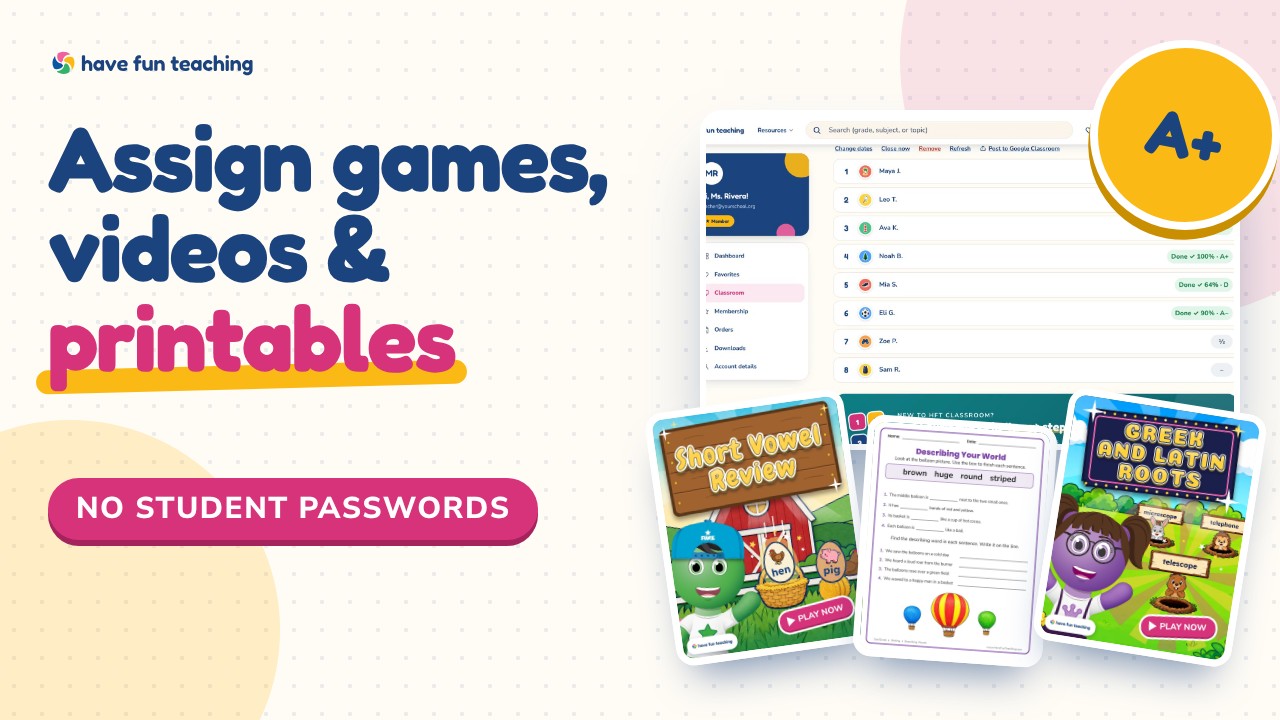
Assign in HFT Classroom
Pick any printable, game or video and choose your class, or just the students who need it.
Post in one tap
Pick your Google Classroom classes. We post the assignment with its link and due date.
Scores come back to you
Students tap the link and sign in the usual way. Games check themselves; you see every score and letter grade in HFT Classroom.
How it works
Four steps. Ready in minutes.
Make a class
Paste your class list or just enter how many. Every student gets a number, a picture and their own sign-in link.
Sign in once
Students scan their own code from the board, or tap their number and picture on a shared device.
Assign
Pick a game, video or printable for your class, or just the students who need it. Add a due date if you like.
See results
Who finished, every score and a letter grade — the moment students are done.
Members get it all
HFT Classroom is included with every membership
One membership for your whole year: HFT Classroom, every game, and 10,000+ worksheets, songs and videos for Preschool–6th.
- HFT Classroom for up to 5 classes
- Every game, video and printable to assign
- Entire library & unlimited downloads
- All subjects & skills, Pre–6th
- Ad-free browsing
Teacher / Family membership · 3 days free
Yearly
Monthly would be $119.64 a year
$3.33/month
Billed $39.97 once a year
You save $79.67 every year
Start My 3 Free Days$0 today · cancel anytime
Monthly
$9.97/month
Flexible, month to month
Yearly is just $3.33/mo. Switch and save $79.67
Start My 3 Free Days$0 today · cancel anytime
Quick answers
Good to know
Do I need Google Classroom to use HFT Classroom?
No. HFT Classroom works on its own. Google Classroom is optional — use it if your students already look there.
Do grades sync to the Google Classroom gradebook?
No. Results stay in your HFT Classroom, where you see each student’s score, letter grade and what to reteach.
Which grades is it for?
Preschool through 6th grade, every subject — worksheets, activities, songs, videos and learning games.
Do students need a Google account?
No. Students sign in to HFT Classroom with their own link or QR code. Google Classroom only carries the link.
What does it cost?
HFT Classroom is included with every Have Fun Teaching membership. Try it free for 3 days.
More ways to use it