
Video games for learning are the closest thing teaching has to a cheat code. Kids who sigh at a worksheet will happily tap through fifty short vowel words if each one cracks open an egg on a farm, and they’ll ask to do it again tomorrow.
If you’ve ever handed over a tablet at the end of a long day and felt a little guilty about it, this one’s for you. The right game turns those ten minutes into real practice, so the screen time is doing some of the teaching while you finally sip that coffee while it’s still warm.
Below you’ll find what makes a learning game worth playing, two gameplay videos, how to use games in your classroom or at home, and learning games for every grade from Preschool to 5th, with a favorite from each grade and a link to its full game collection.
- Good video games for learning practice one clear skill, read directions aloud and keep rounds short.
- Have Fun Teaching has a learning game for every grade from Preschool to 5th, from letters to Greek and Latin roots.
- They play in any browser on a phone, tablet, Chromebook or computer. No app and no ads.
- Teachers can assign games in HFT Classroom and see each student’s score.
- Your first game is free. A Have Fun Teaching membership unlocks every game plus 6,600+ resources.
What makes video games for learning actually work?
Not every game with a letter in it is teaching anything. The best educational video games for kids keep the skill front and center, so every tap is a tiny practice rep. Kids get instant feedback, try again without embarrassment, and rack up dozens of repetitions before they even notice they’re working.
That’s the recipe behind every Have Fun Teaching learning game. Each one is built around a single grade-level skill, wrapped in a world kids want to spend time in.
One skill per game
Short vowels, place value, prepositions, roots. Clear focus means real progress.
Voice directions
Every instruction is read aloud, so young and struggling readers can play on their own.
Plays anywhere
Phone, tablet, Chromebook or computer, right in the browser. Nothing to install.
No ads, no pop-ups
Nothing to accidentally tap, nothing to buy mid-game. Just the learning.
Watch our learning games in action
Want to see one before you pass over the tablet? Here are two gameplay videos from the Have Fun Teaching YouTube channel. They make a great “here’s what we’re playing today” preview on the smartboard.
How to use learning games in your classroom or at home
A learning game works best as part of the lesson, not a reward at the end of it. Here’s the simple rhythm teachers and parents tell us works.
Teach it first
Introduce the skill with a quick mini lesson, a song or a worksheet so kids know what they’re hunting for.
Play for 10 minutes
Use the game as a center, a warm-up or a “you finished early” choice. Short and sweet beats long and tired.
Check the stars
Glance at the score, or assign it in HFT Classroom and see every student’s result in one place.

Why educational video games for kids are worth the screen time
Sure, kids love them. But there’s a lot of real learning hiding inside all that tapping, popping and catching. Here’s what a good game gives you.
Way more practice reps
A game packs dozens of quick questions into a few minutes, far more than one worksheet row.
Instant feedback
Kids know right away if they got it, so mistakes get fixed before they turn into habits.
Mistakes feel safe
A wrong tap just wobbles away with a gentle “try again.” No red pen, no tears.
Built-in motivation
Stars, sounds and cheers turn practice into something kids choose to do again.
Independent work time
Voice directions free you up to pull a small group while the rest of the class plays.
Easy wins at home
Parents get a guilt-free, skill-building choice for the car line or the doctor’s waiting room.
The American Academy of Pediatrics encourages families to make a Family Media Plan that balances screen time with education and play. Short, ad-free learning games that practice a real skill are an easy way to make the minutes kids do spend on a screen count.
Teacher tip: check any learning game against this list
Before you hand over the tablet, tap each box the game passes. A great one ticks all six. (Spoiler: every Have Fun Teaching game does.)
Video games for learning in every grade
Every grade from Preschool to 5th has its own learning games. Here’s a favorite from each to start with. Tap a cover to play, or open the grade’s game page to see every game made for that level.
 Preschool
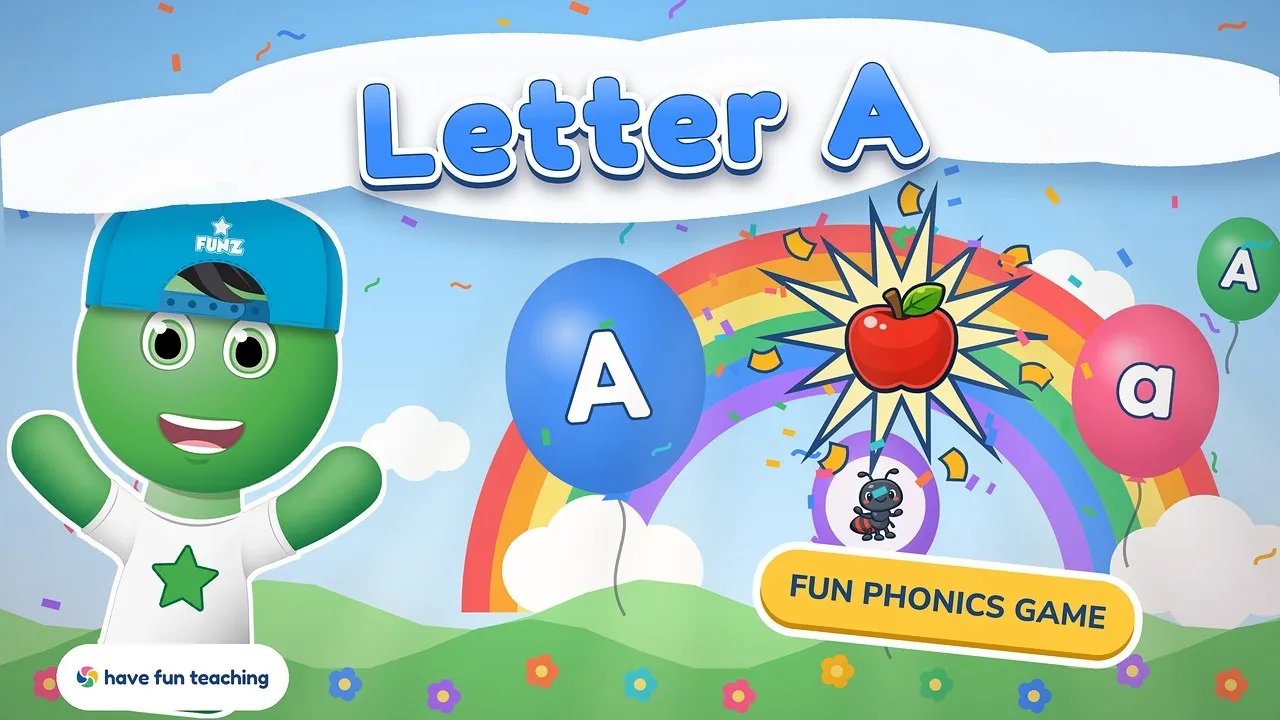
Letter A Game
Balloons float up from a sunny meadow and little ones pop every big A, little a and picture that starts with A.
Skill: letter recognition Kindergarten
Calendar Game
Kids build this month’s real calendar with Sunny, then answer today, yesterday and tomorrow and pick the weather.
Skill: days, months & calendar time- 1st Grade
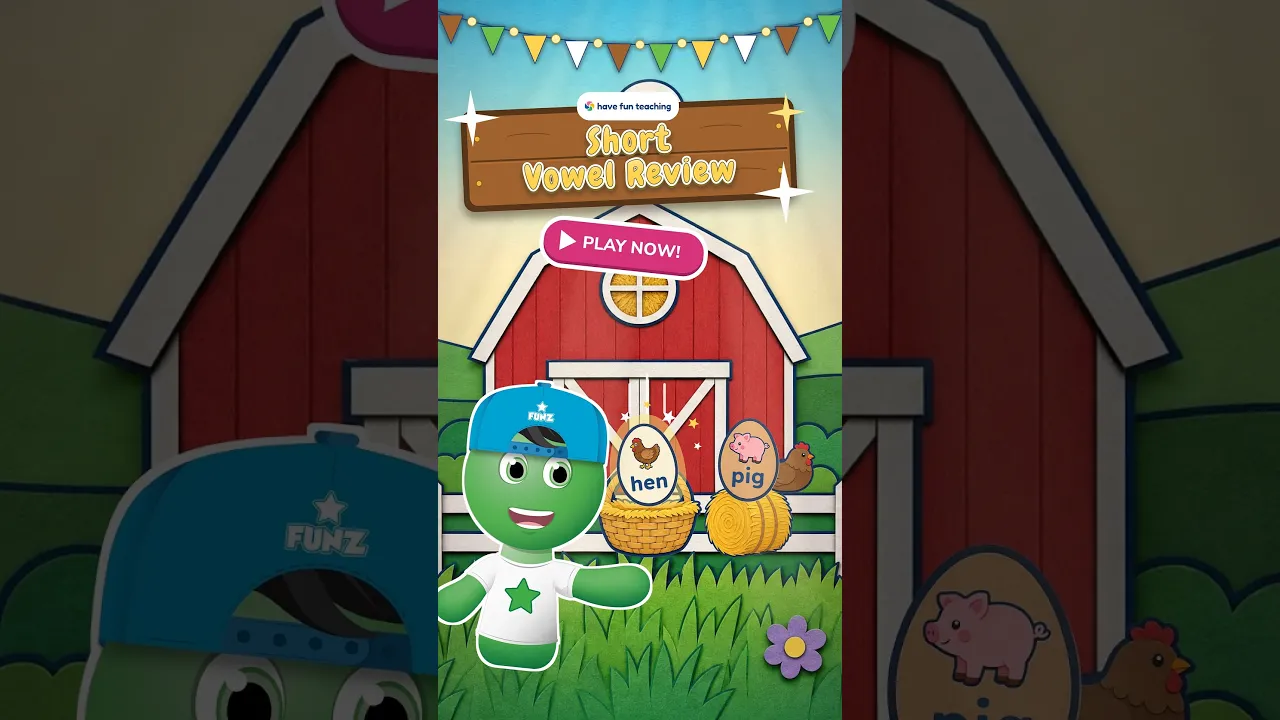
Short Vowel Review Game
A farm egg-catching game where kids catch the eggs with short a, e, i, o and u words like cat, hen, pig, pot and sun.
Skill: short vowel sounds 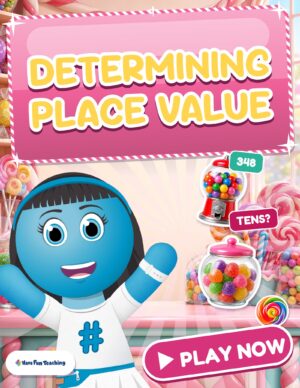 2nd Grade
Determining Place Value Game
Penny asks how many hundreds, tens and ones are in each number. Kids tap the right gumball and watch the number get built in candy.
Skill: hundreds, tens & ones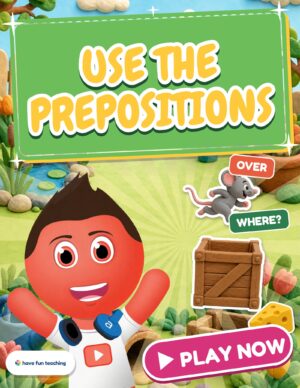 3rd Grade
Use the Prepositions Game
Kids read each sentence, ask “Where?” and tap the right word, while a claymation mouse acts out every position word.
Skill: prepositions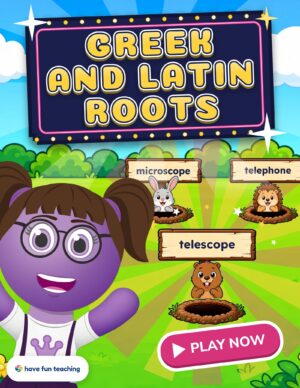 4th Grade
Greek and Latin Roots Game
A retro arcade game where kids read each clue and tap the critter holding the matching word, using roots like tele, scope, port and graph.
Skill: Greek & Latin roots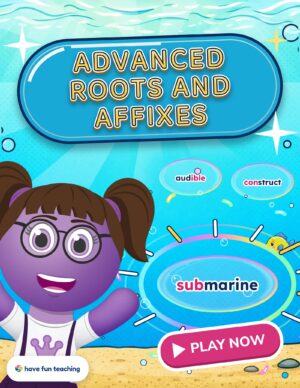 5th Grade
Advanced Roots and Affixes Game
An underwater bubble game where kids read each clue and pop the bubble with the matching word, using roots, prefixes and suffixes.
Skill: roots, prefixes & suffixes- 14See every learning gameNew games are added all the timeBrowse all games
Browse learning games by grade
Play every game with a membership
Every game. Plus 6,600+ resources.
Your first game is free. When your kids ask for “just one more,” a membership unlocks every Have Fun Teaching game, and the whole library of printables, songs and videos comes with it.
- Every learning game, plus each new one we add
- Assign games in HFT Classroom and see scores
- Every printable, song and video, Preschool–6th
- Use it with your class or your kids at home
Video games for learning FAQs
Are video games good for learning?
They can be, when the game is built around a real skill. Good video games for learning give kids lots of quick practice, instant feedback and a safe way to make mistakes. Keep sessions short, pick ad-free games that match your child’s grade, and pair them with hands-on lessons.
What grades are Have Fun Teaching games for?
There’s at least one game for every grade from Preschool to 5th, covering skills like letters, the calendar, short vowels, place value, prepositions and Greek and Latin roots. Each grade has its own games page, so you can quickly find the right level for your class or child.
Are these learning games free?
Your first game is free to play right from its page. A Have Fun Teaching membership unlocks every game, plus 6,600+ printables, songs and videos for Preschool through 6th grade. Membership starts with 3 free days, and you can cancel anytime.
Can teachers assign the games to students?
Yes. Members can assign any game in HFT Classroom. Students join with a class link, play on any device, and you see each student’s score and letter grade in one place. Their first finished score counts, and they can keep playing for practice.
What devices do the games work on?
Every game plays in a web browser on a phone, tablet, Chromebook or computer, so there’s no app to install. Voice directions read everything aloud, and there are no ads or pop-ups, which makes them easy to use in centers or at home.
Ready to press play? 🎮
Pick your grade, grab a tablet, and let the game do some of the teaching today. Then come back for a worksheet to lock it in.
Plays on any device · Voice directions · No ads · Preschool–5th