Skip to content
Start My 3 Free Days $0 today · cancel anytime

Kindergarten Technology Resources

9 kindergarten technology resources: 6 activities. How teachers use these

Kindergarten Technology Resources

9 kindergarten technology resources: 6 activities. How teachers use these

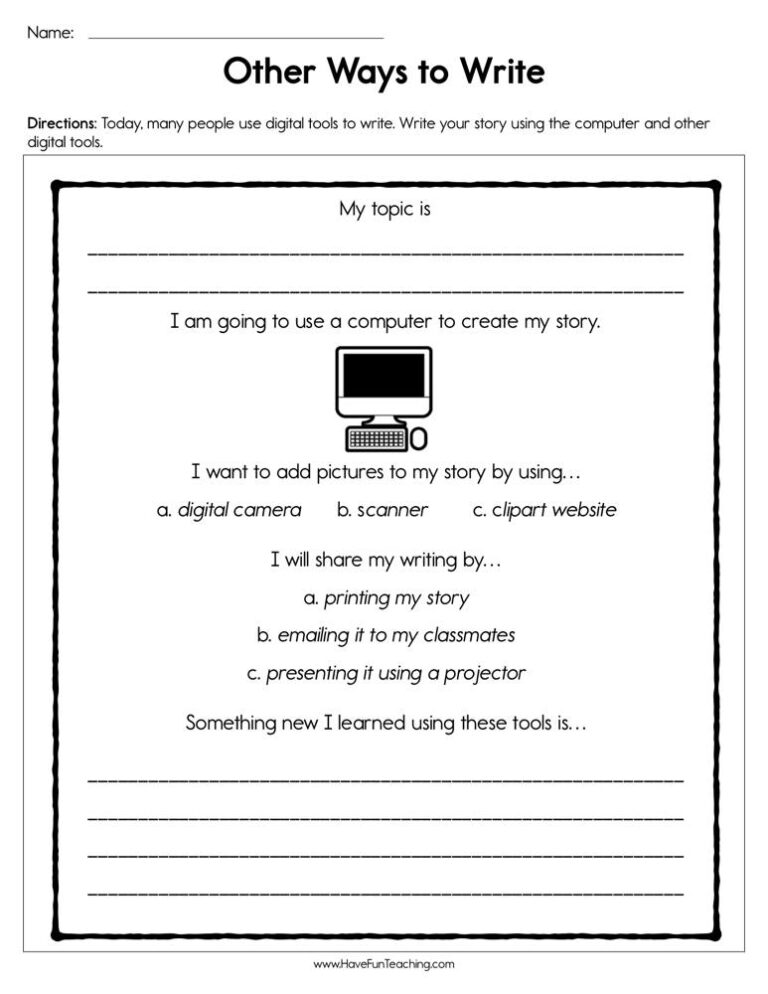
KindergartenOther Ways to Write Worksheet

Using Other Ways to Write Worksheet, students write their story using the computer and other digital tools.

Activity
ActivityKindergartenWriting With Technology Activity

This writing with technology activity gives K-1st grade students eight task cards for typing, recording and printing their own writing. Answer key included for the matching practice.

Activity
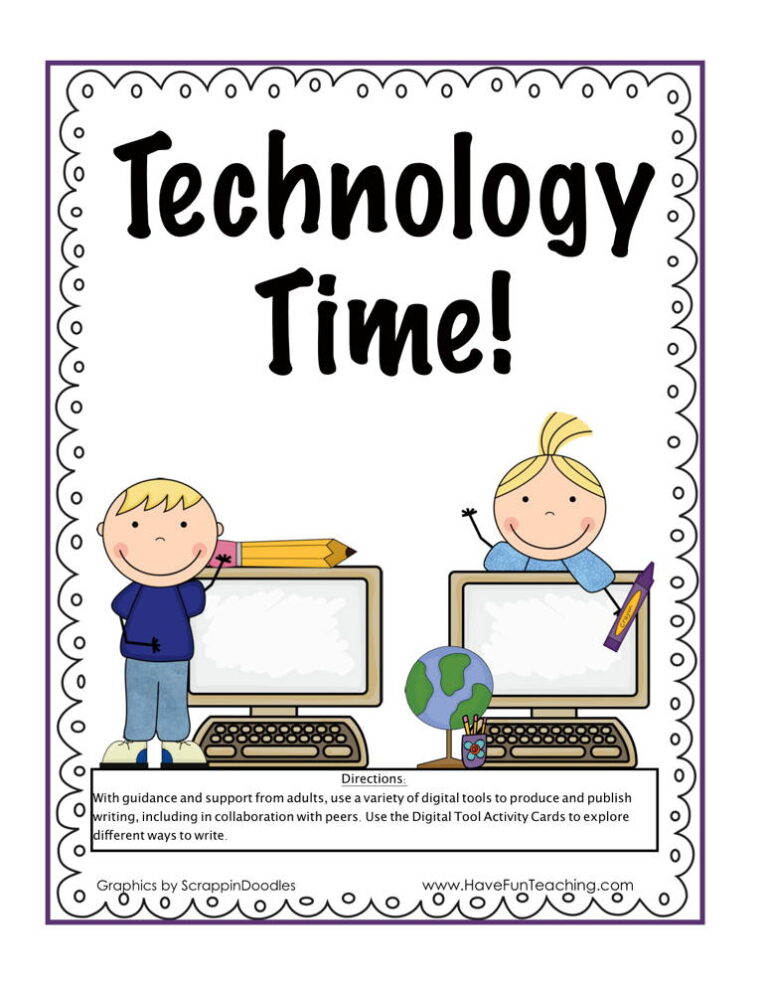
ActivityKindergartenTechnology Time Centers Activity

Technology time centers activity for kindergarten and 1st grade: match six digital tool picture cards to clue cards, then practice on a worksheet. Answer key included.

KindergartenComputer Whiz Reward Certificate for Boys

Using the Computer Whiz Reward Certificate for Boys, your student will feel celebrated and recognized for their accomplishment of being a computer whiz.

KindergartenComputer Whiz Reward Certificate for Girls

Using the Computer Whiz Reward Certificate for Girls, your student will feel celebrated and recognized for their accomplishment of being a computer whiz.

From our teachers' playbook

Tap, click, and take turns

What do kindergartners learn about technology?

Kindergarten technology is all about confidence and good habits. Kids learn to tap and drag on a touch screen, use a mouse or trackpad, find letters on a keyboard, and log in with help. They learn the parts of a device and how to care for it (clean hands, two hands to carry!). Just as important, they learn to take turns at the board, ask a grown-up before clicking something new, and stop when the timer says so. The click moment comes when a five-year-old drags the right number into place on the whiteboard all by themselves.

Our favorite ways to teach technology to little ones

Short turns, clear routines and lots of practice with real math and reading tasks. Here is what works for us.

Tech time centers

Set up one device center in your rotation with a simple picture card showing each step: tap, drag, check, done. Kids work in pairs, one taps while one coaches, then they switch. After a week they barely need you there.

Why it works: the U.S. Department of Education's guide for teaching elementary math recommends moving from hands-on objects to drawings to numbers.

Technology Time Centers ActivityTry it withTechnology Time Centers ActivityActivitiesOpen it →

Shapes at the board

Call one child up at a time to drag a shape to its match while the class whispers the shape name. Everyone stays engaged, and kids practice the drag-and-drop motion that every program uses.

Why it works: in a well-known study, a few short sessions of a simple number board game measurably boosted young children's number skills (Ramani and Siegler, 2008).

Smartboard Activity - Basic ShapesTry it withSmartboard Activity - Basic ShapesActivitiesOpen it →

A tech job every morning

Give one student a daily job on the whiteboard during morning meeting, like counting on the number chart. A two-minute turn every day builds more skill than one long computer lab session a week.

Why it works: the brain holds on to what it meets again and again over time; spaced practice was rated among the very best methods (Dunlosky and colleagues, 2013).

Smartboard Number ChartTry it withSmartboard Number ChartActivitiesOpen it →

Questions parents and teachers ask about kindergarten technology

What technology skills should a kindergartner have?

Most kindergartners learn to tap, swipe and drag on a touch screen, use a mouse or trackpad, find letters on a keyboard and log in with help. They also learn to care for devices and to ask an adult before clicking something new.

How much screen time is right for kindergarten?

Keep school device time short and purposeful, usually a few minutes at a center or a quick turn at the board. Pair it with hands-on work so the screen is a tool, not the whole lesson.

How do I teach online safety to 5-year-olds?

Keep it to one simple rule: if something pops up or looks strange, stop and tell a grown-up. Practice it with a pretend pop-up so kids know exactly what to do.

Can I use interactive whiteboard activities with a small group?

Yes! A tablet or laptop works for a small group too. Let one child drive while the others give directions, then rotate so everyone gets a turn.