

Writing With Technology Activity
This writing with technology activity gives K-1st grade students eight task cards for typing, recording and printing their own writing. Answer key included for the matching practice.
$6.97
Want this one free?
Tell us where to send it and it’s yours — no card, no catch.
One free resource per teacher. We’ll also send free teaching ideas each week — unsubscribe anytime.
Free teacher account · no credit card
Membership
Get every game, song, & printable
- Every game, on any device
- 6,500+ resources
- Assign online with HFT Classroom
Then $39.97/year · cancel anytime · See plans
- Instant digital download
- Printable PDF + answer key
- Made by real teachers
Teacher / Family membership
Teaching is easier with every resource
One membership for your whole year: 6,500+ worksheets, games, songs and videos for Preschool–6th, for your classroom or homeschool.
- Unlimited printables & downloads
- Every game, on any device
- Assign online with HFT Classroom
- Cancel anytime
Teacher / Family membership · 3 days free
Yearly
Monthly would be $119.64 a year
$3.33/month
Billed $39.97 once a year
You save $79.67 every year
Start My 3 Free Days$0 today · cancel anytime
Monthly
$9.97/month
Flexible, month to month
Yearly is just $3.33/mo. Switch and save $79.67
Start My 3 Free Days$0 today · cancel anytime
About this resource
Description
Even the youngest writers can use digital tools to make and share their work. This writing with technology activity introduces kindergarten and 1st grade students to keyboards, tablets, microphones, printers and more, with one short and friendly writing task for each tool. With a grown-up nearby, children type, draw, record and print their own words.
The pack has eight Task Cards. Each card shows a picture of one tool, its name and a simple job to try, such as typing the letters in your name, saying a sentence and watching it get typed, or printing a story to share with a friend. Children color a star on the My Tech Writing Checklist after each card. A kindergarten practice worksheet then asks students to draw a line from each tool to the job it does.
What’s Included
- A colorful cover and a How to Use page
- 8 Task Cards on two cut sheets
- A My Tech Writing Checklist
- A kindergarten tool and job matching worksheet
- Answer keys with the task card list and the matching answers
Why This Digital Tools Writing Activity Helps Kids
First, children learn the names and jobs of the tools they will use all through school, so the computer lab feels familiar instead of confusing. Second, every card ends with real writing, which shows students that technology is a way to share ideas, not just play games. Third, short tasks and a star checklist give young students a quick win and a clear sense of progress.
Ideas for Teachers and Parents
Use the writing with technology activity at a computer center, during small group time or at home with one device. Start with the keyboard and printer cards, then add the microphone and camera cards as children grow more confident. Print the best work from this digital tools writing activity and bind it into a class book that everyone can read.
Related Resources
What teachers say
Reviews
Write a review, earn store credit
Get 25¢ in credit for every approved review of a resource you’ve downloaded, played or purchased — up to 15 a month. Credit applies automatically to your membership payments, so your reviews can help pay for your membership.
Honest reviews only — any star rating earns the same. Program rules
Log in to write a review and earn store credit.

Our animal facts worksheet teaches 1st graders to spot the name, facts, and ending in a frog piece, then write their own. Includes an answer key and builds strong informative writers.

Using Strong Writing Activity, students respond to questions and suggestions from peers and add details to strengthen writing as needed.

This just the facts worksheet teaches 1st grade students to label the topic, fact, and ending sentences of a short piece, then write their own. An answer key is included for quick checking.
This back to school adjective writing activity helps 1st to 3rd grade students plan a first-day story and add describing words. An answer key is included for the practice page.
The best season is writing activity guides 1st-3rd Grade writers to plan and publish an opinion piece about their favorite season, with a model, practice and answer key included.

A digital tools skills assessment worksheet for 1st grade teachers: twelve observable technology skills and a class grid with room for five students, so one page records who can do what and when.
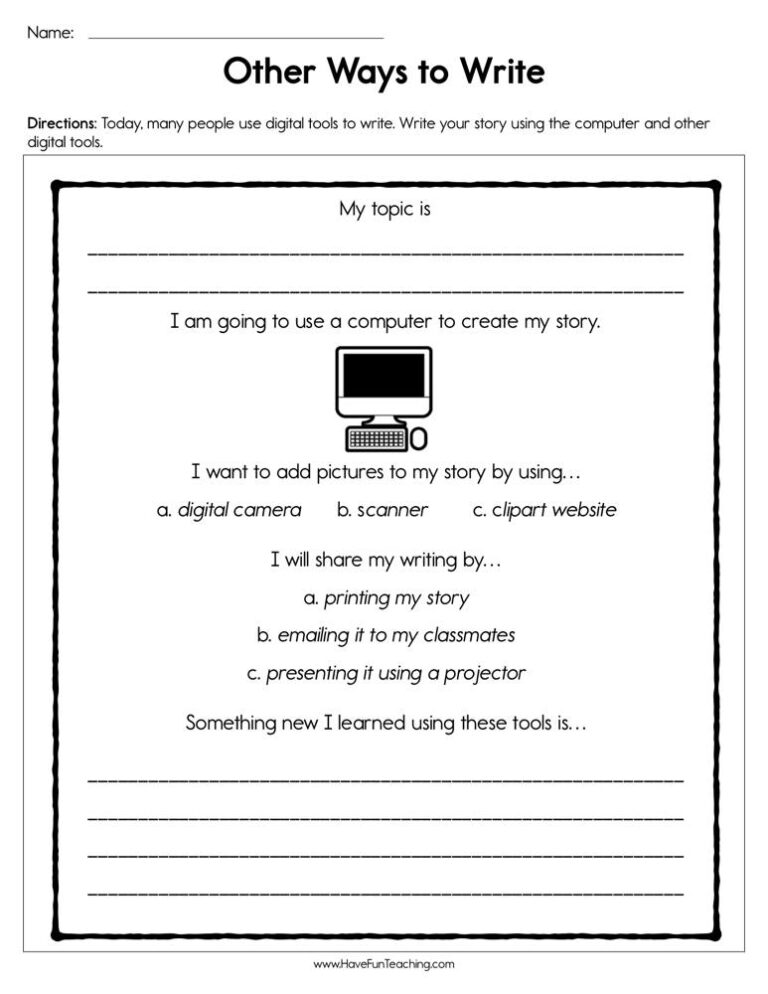
Using Other Ways to Write Worksheet, students write their story using the computer and other digital tools.

Using Telling A Story Activity, students use a combination of drawing, dictating, and writing to narrate a single event or several loosely linked events.

Using Write about Bugs Activity, studentswrite informative texts in which they introduce a topic, use facts and definitions to develop points, and provide a concluding statement or section.
Using Wishes and Stars Peer Publishing Writing Activity, students produce writing in which the development and organization are appropriate to task and purpose.

Using W.1.5 First Grade Common Core Lesson, students focus on a topic, respond to questions and suggestions from peers, and add details to strengthen writing as needed.

Using W.1.8 First Grade Common Core Lesson, students explore a numberof “how-to” books on a given topic and use them to write a sequence ofinstructions.
Reviews
There are no reviews yet