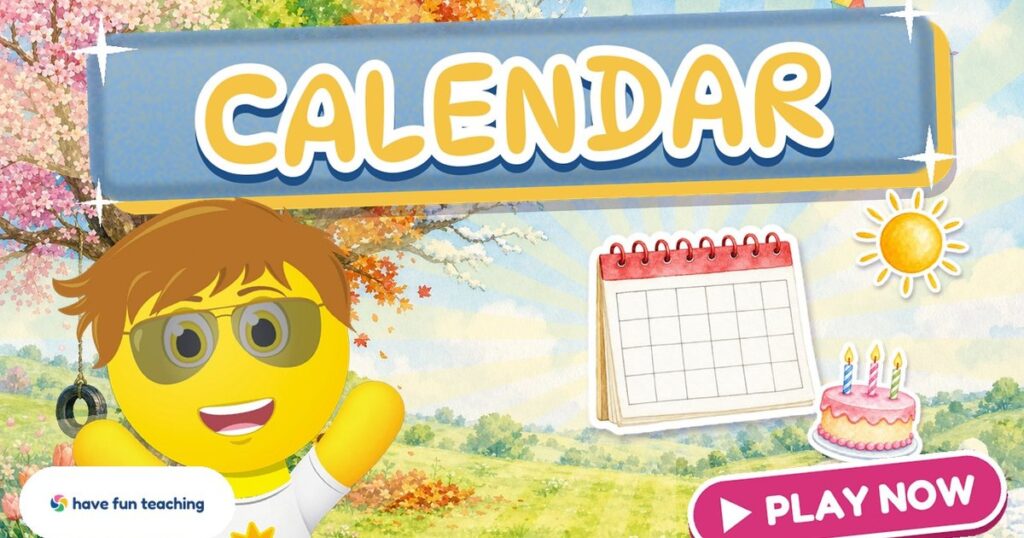
Our new calendar game turns morning calendar time into something kids beg to do. Instead of watching you point at the wall calendar, children build the month themselves, one tap at a time, while Sunny the Funzy cheers them on.
You know the moment: it is late, tomorrow’s plans are almost done, and calendar time still feels like the same chant every single day. Half the class says “Tuesday” because the kid next to them did. A few kids still aren’t sure what “yesterday” means.
The Calendar Game gives every child their own turn. It uses today’s real date, reads every direction aloud, and waits patiently when a child needs a moment. It works on a whiteboard for the whole class, or on a tablet for one learner at a time.
- A tap-only calendar game for 1st grade (great for K and 2nd grade review).
- Four rounds: days of the week, this month’s dates, today/yesterday/tomorrow, and reading dates like “the 12th.”
- Uses the real month, year and date, so it matches your classroom calendar.
- Pairs with the printable Blank Calendar and the Days of the Week Song.
Why kids love the calendar game
Calendar skills are abstract for six-year-olds. Days repeat, months change and “tomorrow” keeps moving. The Calendar Game makes it concrete: kids put the days on the calendar, count the dates into their boxes, and see today glow on the page.
Sunny reads it all
Every direction is spoken and captioned, so non-readers can play on their own.
Today’s real date
The month, year and today match the real calendar, every day of the year.
Tap, never drag
Big tap targets that work for small fingers on any screen.
Gentle help
Sunny shows an example each round and repeats the directions if a child gets stuck.
Watch the Calendar Game in action
See a full play-through of all four rounds, then sing along with our Days of the Week Song. Find more on the Have Fun Teaching YouTube channel.
How to play the Calendar Game
Press Play and Sunny takes it from there. Each round starts with a quick example, then it is the child’s turn.
Days of the week
Tap the days in order to put them on the calendar. Sunny starts with Sunday.
Fill in the month
Hear the real month and year, then tap each date into its box, starting with day 1.
Today, yesterday, tomorrow
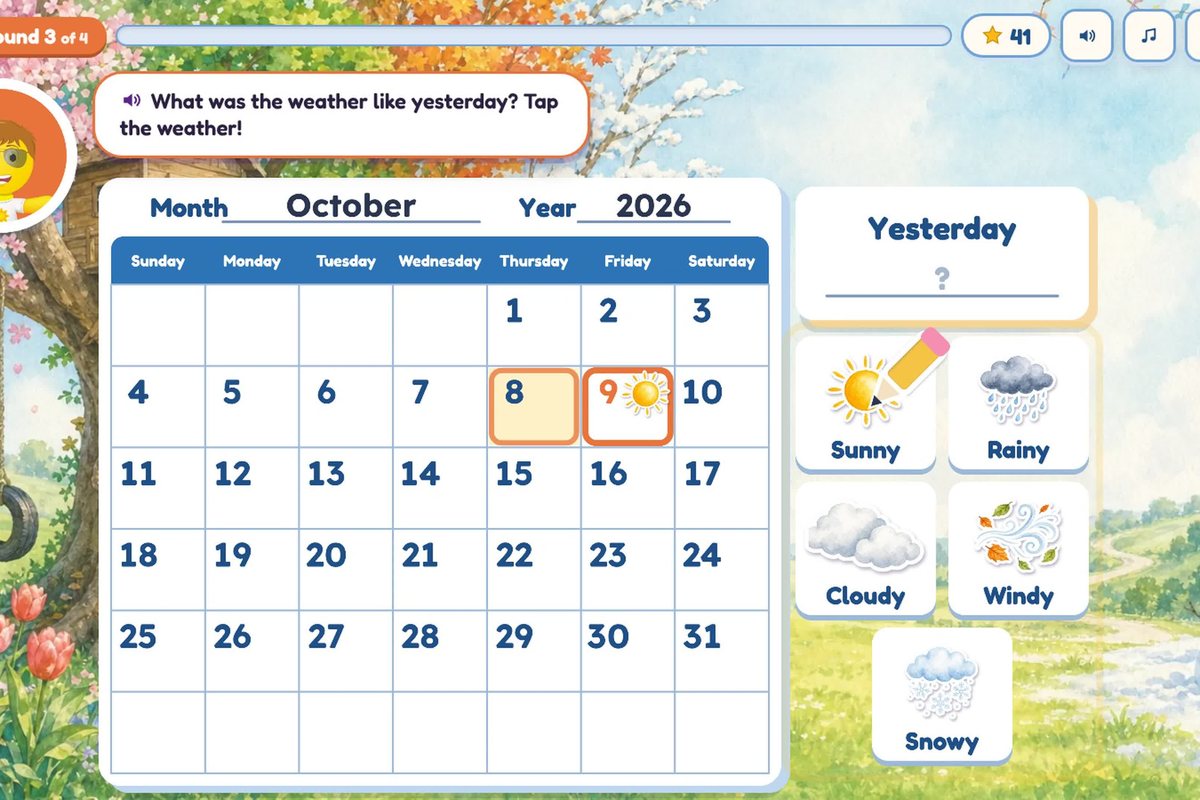
Find today’s date, tap the day of the week one day before and after, and pick the weather.
Read the dates
“The party is on the 12th. Tap that day!” Stickers land on the calendar as kids answer.
The Calendar Game is part of the Have Fun Teaching membership. Members can open it full screen on any device. New here? Start your 3 free days and play it today.
What kids learn from the calendar game
Each round targets one calendar skill from the 1st grade math year, so kids build understanding step by step.
Days in order
Kids learn the seven days of the week and that Sunday starts the calendar row.
Months and years
Sunny names the real month and year, so kids connect the page to real time.
Counting dates
Filling in day 1 to the last day builds counting and number order to 31.
Yesterday and tomorrow
Looking one day before and after today makes these tricky words concrete.
Reading ordinal dates
“The 12th” and “the 3rd” become easy when kids tap them on the page.
Weather words
Sunny, rainy, cloudy, windy and snowy tie the calendar to the world outside.
Teacher tip: play it, then print it
Play the Calendar Game on the whiteboard during morning meeting, then hand out the Blank Calendar so kids fill in the same month on paper. Check off each step as your class finishes it:
More calendar resources for kids
Keep the practice going with printables and songs that teach the same calendar skills as the game.
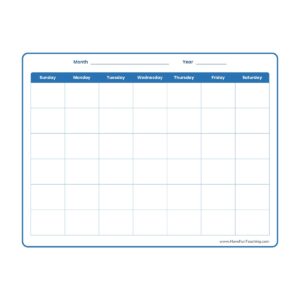 All grades · PrintableBlank CalendarThe same calendar page from the game. Fill in this month together.
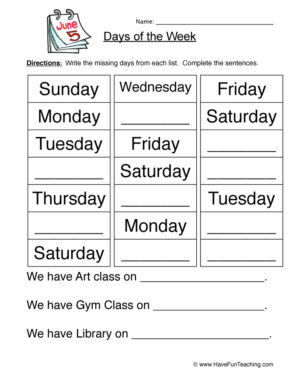 1st Grade · WorksheetDays of the Week Fill in the BlankWrite the missing days in order, Sunday to Saturday.
 1st Grade · WorksheetDays of the Week AbbreviationsMatch Mon, Tue and Wed to the full day names.
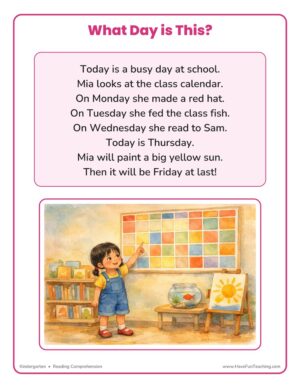 Kindergarten · WorksheetWhat Day Is This?A short story with calendar questions to answer.
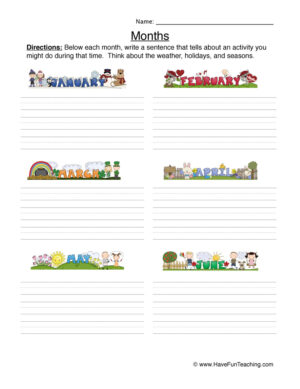 1st Grade · WorksheetMonths of the Year WritingTrace and write all twelve months in order.
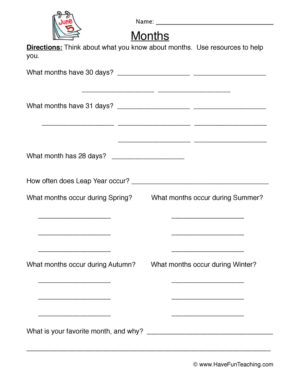 2nd Grade · WorksheetMonths of the Year Fill in the BlanksFill in the missing months to finish the year.
 All grades · SongDays of the Week Song (MP3)Sing the seven days in order at morning meeting.
 All grades · SongMonths of the Year Song (MP3)A catchy way to learn all twelve months.
Explore more resources
Get every game with a membership
Calendar time, sorted for the whole year
Members play the Calendar Game and every other Have Fun Teaching game, and download the calendar printables, songs and videos that go with it.
- Every Have Fun Teaching game, including the Calendar Game
- Every printable, song and video, Preschool–6th
- Unlimited downloads, new resources added daily
- Use it with your class or your kids at home
Calendar game FAQ
What is the Calendar Game?
The Calendar Game is an online calendar game for kids from Have Fun Teaching. Sunny the Funzy talks children through four rounds: putting the days of the week in order, filling in this month’s dates, finding today, yesterday and tomorrow, and reading dates for fun events.
What grade is the Calendar Game for?
It is made for 1st grade and works well for kindergarten and 2nd grade review. Every direction is read aloud and captioned, so early readers can play on their own.
Does the game use the real date?
Yes. The game shows the real month and year and finds today’s real date, so it matches the calendar on your classroom wall.
Can kids play it on a tablet or phone?
Yes. The Calendar Game runs in the browser on computers, tablets, phones and interactive whiteboards. There is nothing to install.
How do I practice the calendar after the game?
Print the Blank Calendar from Have Fun Teaching and fill in the month together, then sing the Days of the Week Song. Kids use the same steps they just practiced in the game.
Ready for calendar time with Sunny?
Press Play and let your kids build today’s calendar themselves.
Works on computers, tablets, phones and interactive whiteboards.