

Digital Tools Skills Assessment Worksheet
A digital tools skills assessment worksheet for 1st grade teachers: twelve observable technology skills and a class grid with room for five students, so one page records who can do what and when.
$6.97
Or free with a membership — members pay $3.33/mo for all 10,000+ resources. See plans
Want this one free?
Tell us where to send it and it’s yours — no card, no catch.
One free resource per teacher. We’ll also send free teaching ideas each week — unsubscribe anytime.
Teaching is easier with a membership
Unlimited printables, games & videos for PreK–6th — for your classroom or homeschool. Cancel anytime.
Start your 3-day free trial$0 today · cancel anytime · Instant access to 10,000+ resources
About this resource
Description
Knowing which children can already turn on a device, log in and save a file is the first thing a technology block asks of a teacher, and this digital tools skills assessment worksheet is where that record lives. Twelve observable skills run down the page in the order a class actually meets them, from powering a device on and off to printing finished work, with a column for each student. Because every skill is written as something a teacher can watch a child do, there is no guessing and no scoring rubric to interpret. You either saw it or you did not, and the date in the box says when.
This 1st grade technology checklist is one printed page. Write a student’s name at the top of each of the five columns, then write the date beside each skill the moment that student shows it. Keep it in a clipboard at the computer cart or beside the classroom tablets and fill it in as you circulate. Reading down a column tells you what one child still needs; reading across a row tells you which skill to teach the whole group next. Print a second copy for the rest of the class and the two sheets together give you the whole roster at a glance.
What’s Included
- 1 print-ready PDF worksheet
- 12 observable digital skills, from powering on a device to printing work
- A class record grid with space for five students
Three things make this digital tools skills assessment worksheet worth keeping on the clipboard. First, it turns a vague goal like computer skills into twelve concrete behaviours, so two teachers looking at the same child agree on what they saw. Second, dating each box rather than ticking it builds a record of growth across the year, which is exactly what a conference or a report card comment needs. Third, the grid makes gaps visible: an empty row across every student is a whole-class lesson waiting to be taught, and an empty column is a child who needs a few minutes of one-to-one time.
Teachers and parents can build the skills the sheet records in small, playful ways. Pair a confident student with one who is still learning and let them log in together. Run a thirty-second keyboard hunt where children find letters you call out. Teach save-and-name as a routine with a rule everyone uses, such as a first name and the date. Print one favourite piece of writing a week so printing stops being a mystery. Keep the sheet nearby while you do it and the record fills itself in.
Related Resources
What teachers say
Reviews
You must be logged in to post a review.
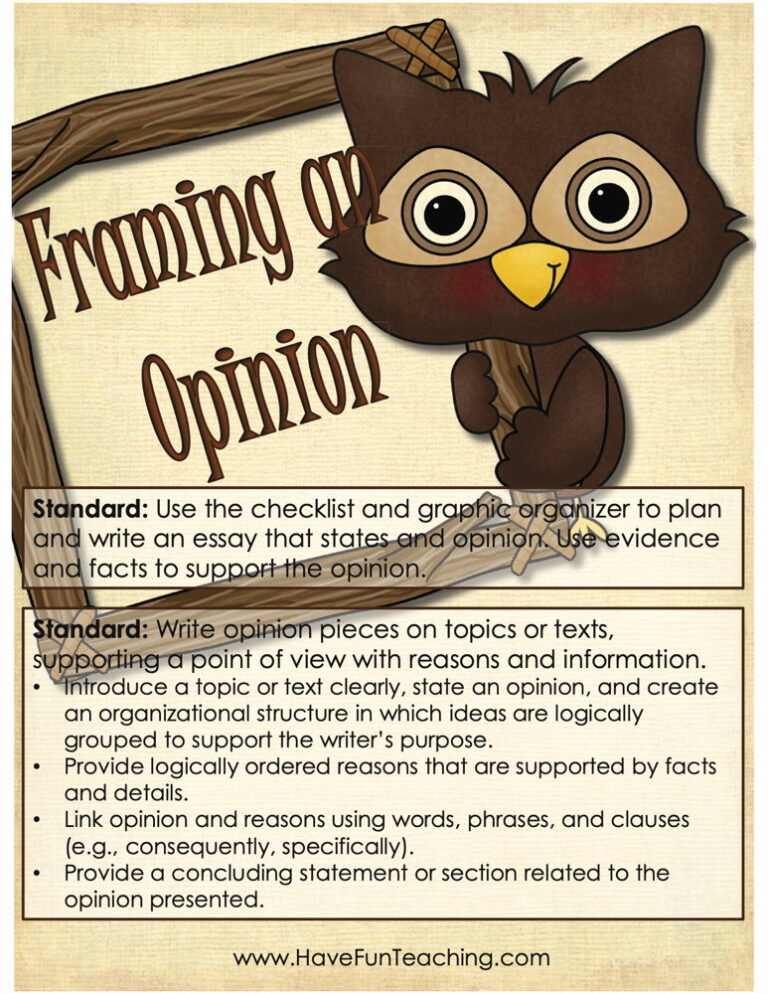
Using this Framing an Opinion Activity, students gain skills on writing opinion pieces on topics or texts that support a point of view with reasons and information.

This just the facts worksheet teaches 1st grade students to label the topic, fact, and ending sentences of a short piece, then write their own. An answer key is included for quick checking.

Using Back to School Adjective Writing Activity, students write about the first day of school to including details to describe actions, thoughts, and feelings.
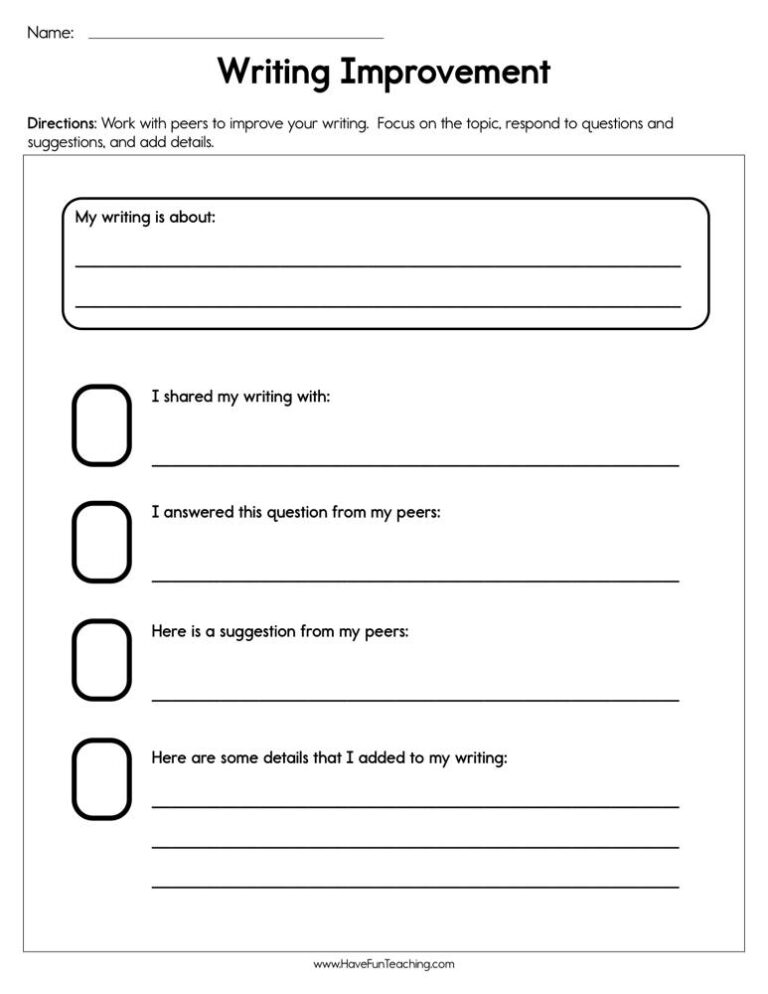
Using Writing Improvement Worksheet, students write about something that they like to do to share their writing with a friend to gain feedback to improve their writing.

Using Animal Facts Worksheet, students write an informative text piece that names the animal, gives facts about the animal, and ends so the reader feels the writing is complete.
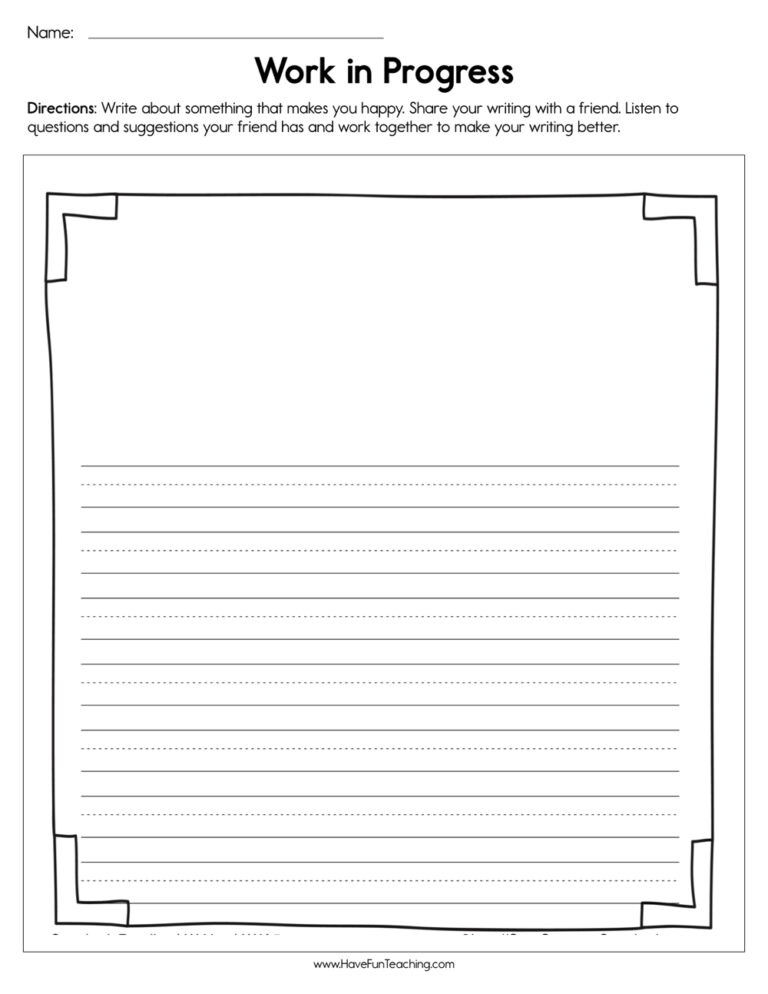
Using Work in Progress Worksheet, students write about something that makes them happy to share their writing with a friend to gain feedback to improve their writing.
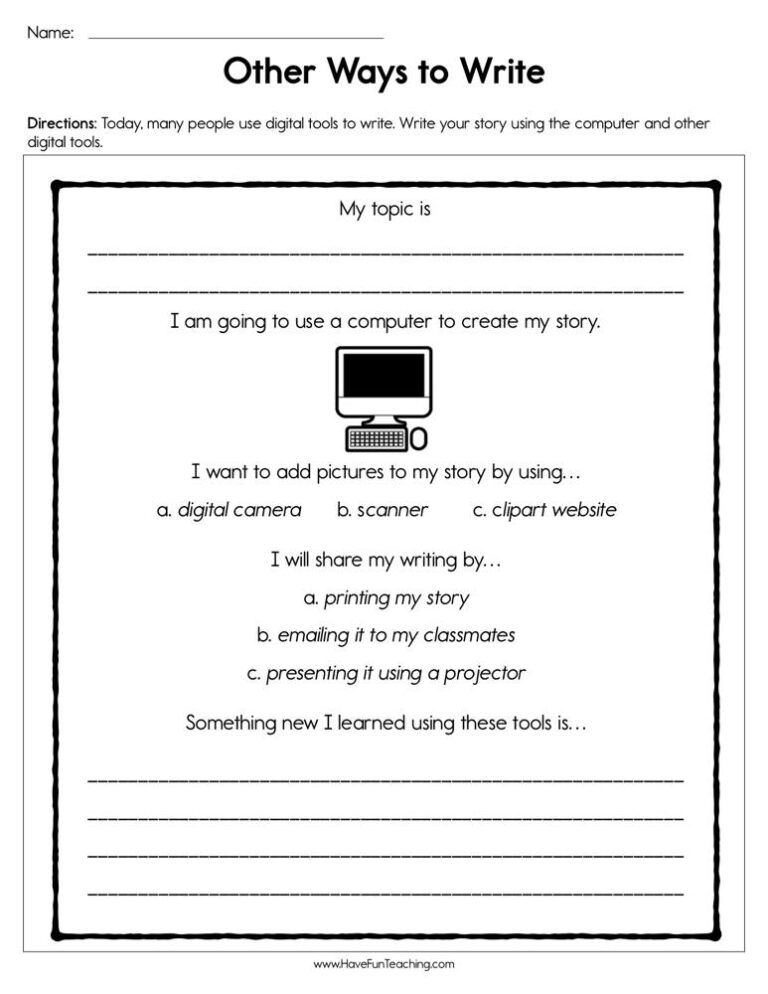
Using Other Ways to Write Worksheet, students write their story using the computer and other digital tools.

Using Find Out More Research Project Writing Activity, studentsparticipate in shared research and writing projects to learn about any topic.

Using What Do You Think Opinion Writing Activity, students write opinion pieces on topics or texts, supporting a point of view with reasons.

Using Strengthen Your Writing Worksheet, students respond to questions and suggestions from peers and add details to strengthen writing as needed.
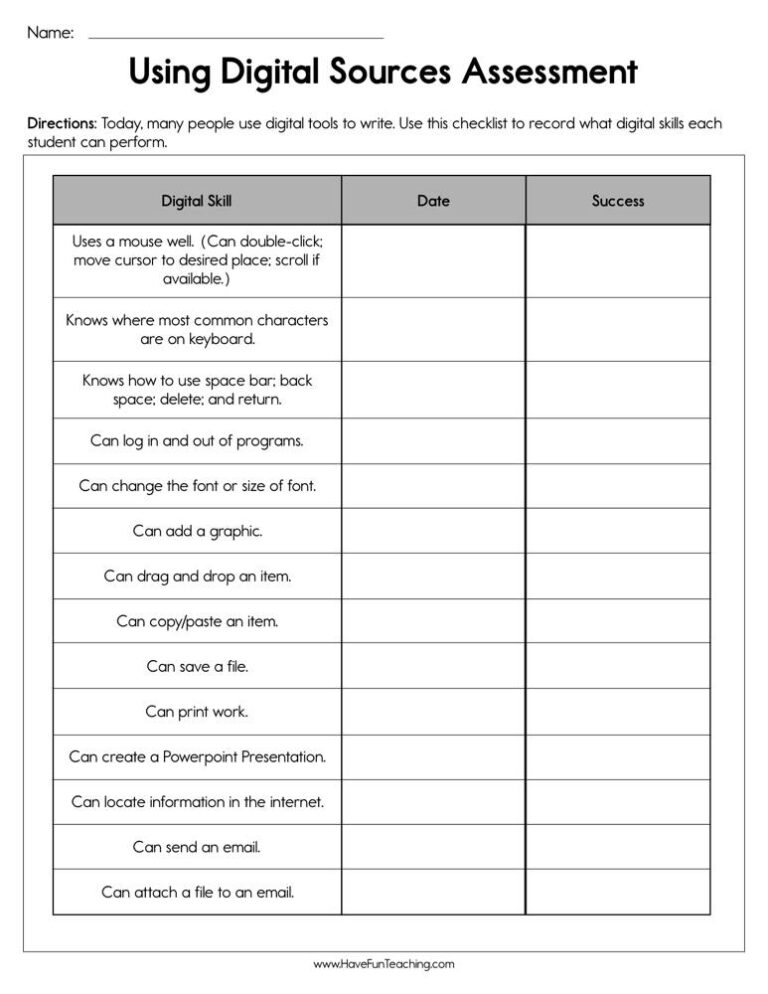
Using Using Digital Sources Assessment Worksheet, teachers record the digital tools their students show proficiency using as they produce and publish writing.

Using Informing and Explaining a Topic Worksheet, students write about a topic you choose providing details, facts, and/or figures to support your writing.
Reviews
There are no reviews yet