

Get to the Point PowerPoint Activity
Using this Get to the Point PowerPoint Activity, students learn to include multimedia components such as graphics, sounds, and visual displays in presentations when appropriate to enhance the development of main ideas or themes.
$6.97
Or free with a membership — members pay $3.33/mo for all 10,000+ resources. See plans
Want this one free?
Tell us where to send it and it’s yours — no card, no catch.
One free resource per teacher. We’ll also send free teaching ideas each week — unsubscribe anytime.
Teaching is easier with a membership
Unlimited printables, games & videos for PreK–6th — for your classroom or homeschool. Cancel anytime.
Start your 3-day free trial$0 today · cancel anytime · Instant access to 10,000+ resources
About this resource
Description
How to teach Writing with Technology
Using this Get to the Point PowerPoint Activity, students learn to include multimedia components such as graphics, sounds, and visual displays in presentations when appropriate to enhance the development of main ideas or themes.
Knowing how to create a multimedia presentation is an important skill that will benefit your students well into their adult years. Pictures and sounds within the presentation can help the audience to understand your message even better. This activity will help your students to plan out their PowerPoint presentations while also providing them with a media reference sheet to enhance their presentation.
Students use the graphic organizer to write out the main idea or talking point they would like to get across on each slide. In addition to their topic, students must figure out how to include the right multimedia, such as pictures, videos, sounds, charts, and transitions to make their presentation better! A media reference sheet is included to help focus the students’ ideas. After the planning sheets are complete, use the blank PowerPoint layout slides to design the overall look of the presentation before creating one on the computer.
Other resources to use with this Get to the Point PowerPoint Activity
If you are using this activity, your students are probably learning about using Technology in the Writing Process.
Use this Enhancing My Presentation Activity as an additional resource for your students.
Introduce this Get to the (Power) Point Activity by modeling for students what an effective PowerPoint presentation looks like. Discuss with students that using too many multimedia components or too many words can overwhelm their audience. Then, provide students with a list of possible talking points they can research. Next, pass out the activity sheets and encourage the students to plan out their PowerPoint Presentation slide-by-slide. Students will then create their PowerPoint on a computer. Finally, encourage students to share their presentations with the class.
Be sure to check out more Writing Worksheets.
What teachers say
Reviews
You must be logged in to post a review.

This third grade Citing Evidence from the Text Worksheet guides students to state an opinion about a book or article and support it with evidence from the text. A no-prep opinion-writing organizer for reading and writing time.
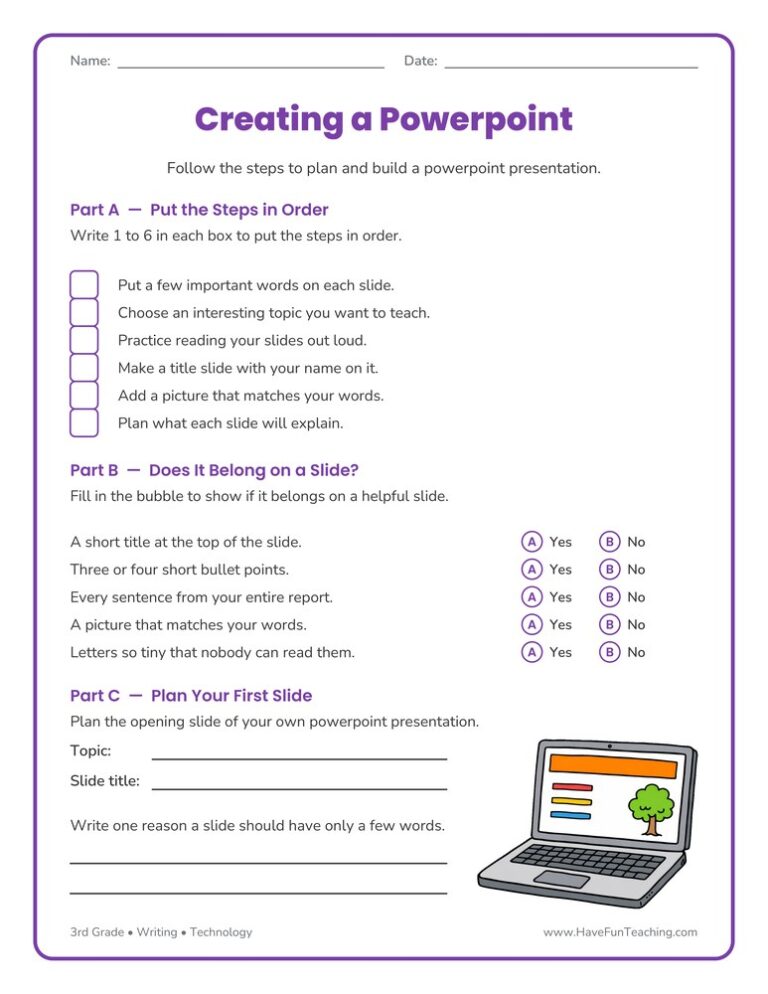
The Creating a Powerpoint Worksheet walks 3rd graders through ordering the steps, deciding what belongs on a slide, and planning their own opening slide. Answer key included, so presentation practice takes no prep at all.
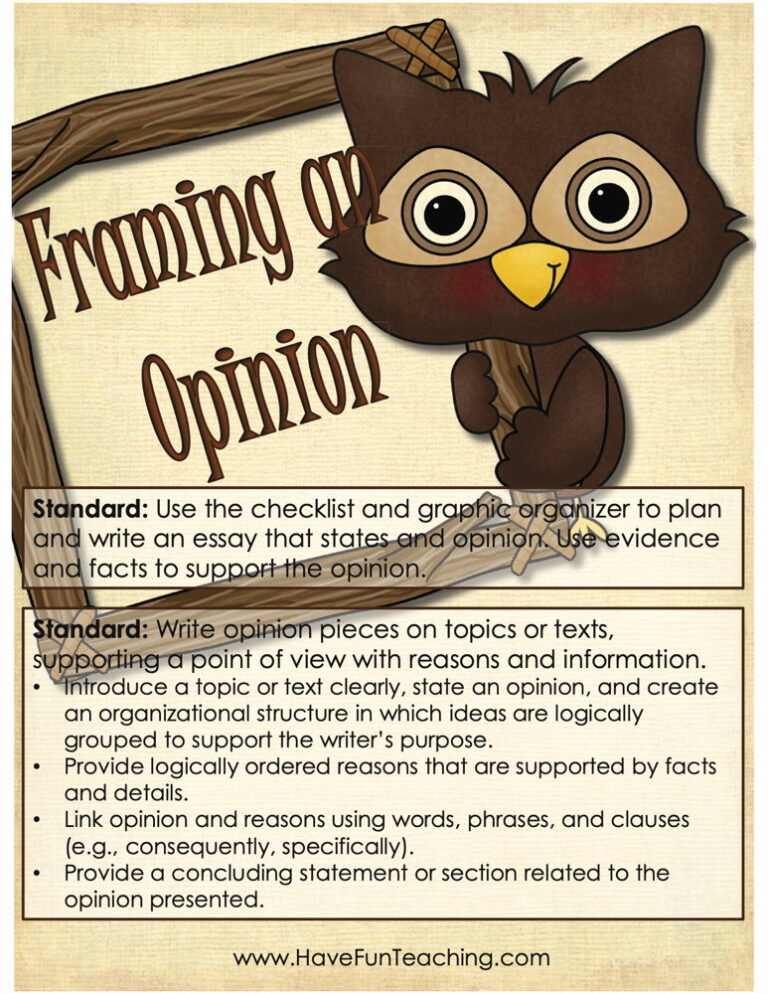
Using this Framing an Opinion Activity, students gain skills on writing opinion pieces on topics or texts that support a point of view with reasons and information.

Students use a four-rule conventions checklist, then proofread and rewrite four sentences that each hide two mistakes. This 3rd grade command of the conventions writing checklist worksheet includes an answer key for confident, independent editing practice.
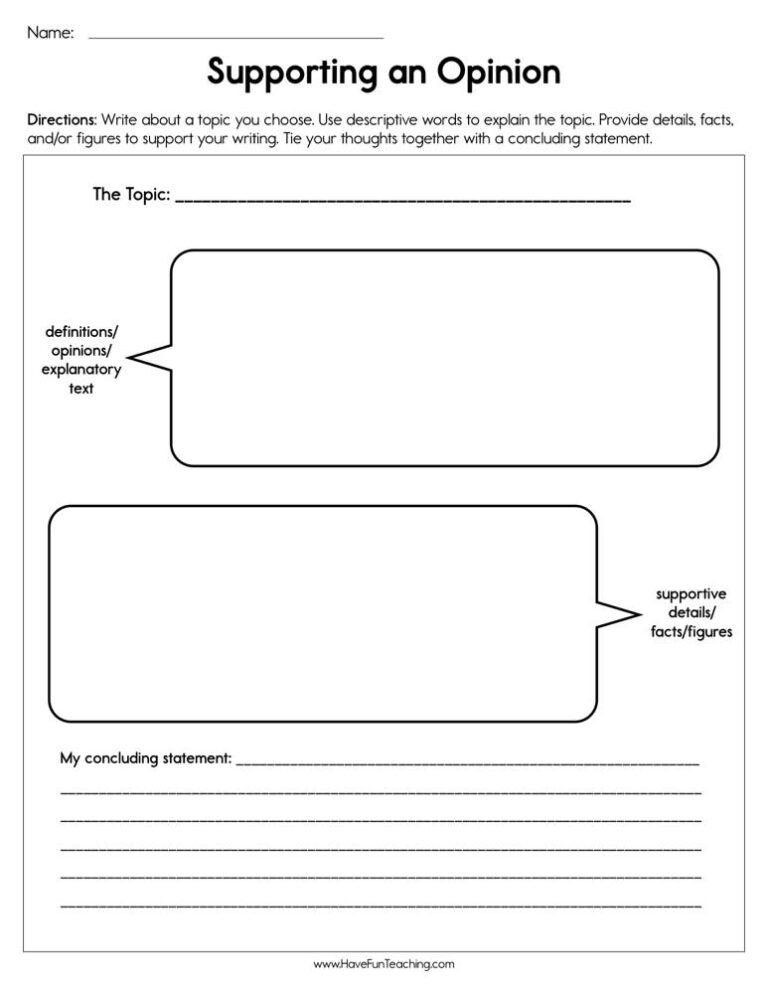
This supporting an opinion worksheet helps 3rd graders find the opinion, reasons, example and conclusion in a model paragraph, then plan their own. An answer key is included.
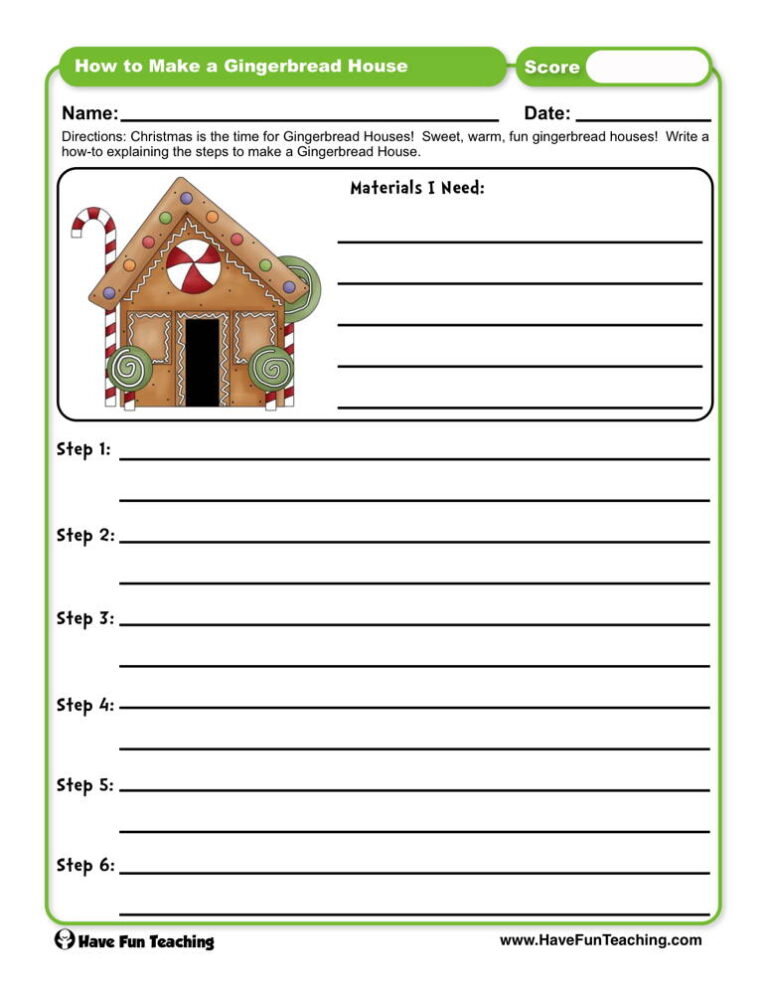
This how to make a gingerbread house worksheet has 3rd graders number six mixed-up steps in order, then plan their own how-to with sequencing words. An answer key is included.

Using this Writing Tweets Activity, students choose a prompt about the included story "Making a Milk or Juice Carton Bird Feeder" and produce a writing sample.

Using Back to School Adjective Writing Activity, students write about the first day of school to including details to describe actions, thoughts, and feelings.

Using Find Out More Research Project Writing Activity, studentsparticipate in shared research and writing projects to learn about any topic.

Using Work in Progress Peer Review Worksheet, students write about a scientific topic or historical event to share their writing with a friend to gain feedback to improve their writing.
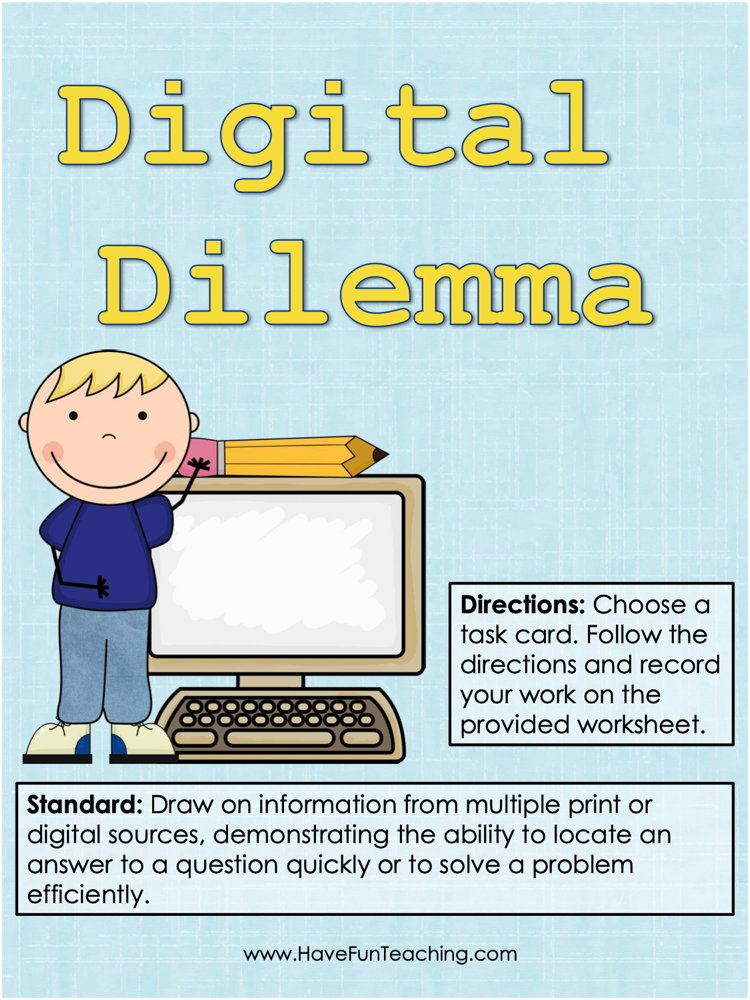
Using this Digital Dilemma Research Activity, students use digital tools to follow directions on a task card.

Using What Do You Think Opinion Writing Activity, students write opinion pieces on topics or texts, supporting a point of view with reasons.
Reviews
There are no reviews yet