

Creating a Powerpoint Worksheet
The Creating a Powerpoint Worksheet walks 3rd graders through ordering the steps, deciding what belongs on a slide, and planning their own opening slide. Answer key included, so presentation practice takes no prep at all.
$6.97
Or free with a membership — members pay $3.33/mo for all 10,000+ resources. See plans
Want this one free?
Tell us where to send it and it’s yours — no card, no catch.
One free resource per teacher. We’ll also send free teaching ideas each week — unsubscribe anytime.
Teaching is easier with a membership
Unlimited printables, games & videos for PreK–6th — for your classroom or homeschool. Cancel anytime.
Start your 3-day free trial$0 today · cancel anytime · Instant access to 10,000+ resources
About this resource
Description
Building a slideshow is one of the first real ways a student shares what they have learned with an audience. The Creating a Powerpoint Worksheet gives third graders a clear path from a topic they care about to a presentation they are proud to show. Before a single slide is made, students think about order: what comes first, what belongs in the middle, and what the audience needs to see last. They also meet the habit that makes every presentation stronger, which is putting only a few important words on each slide and letting a picture carry the rest.
This powerpoint planning worksheet works well as the opening of a technology lesson, a warm-up before computer lab, or a bridge between an informational reading unit and the presentation that follows it. Part A asks students to number six mixed-up steps in the right order. Part B is a quick fill-in-the-bubble check on what belongs on a helpful slide and what does not. Part C hands the planning over to the student: choose a topic, write a slide title, and explain in your own words why a slide should hold only a few words. Print one copy per student, work through Part A together, then let students finish Parts B and C on their own.
What’s Included
- 1 print-ready PDF worksheet
- Answer key
- 3 activities: a six-step sequencing task, five fill-in-the-bubble slide-design checks, and a first-slide planner with a written response
Three things make the Creating a Powerpoint Worksheet useful in a busy classroom. First, it separates planning from typing, so students settle their message before fonts and colors pull their attention away. Second, the sequencing task builds the same ordering skill that strong paragraphs and essays depend on, so the practice pays off well beyond the computer. Third, the written response at the end asks students to justify a design choice, and explaining a reason in writing is exactly the kind of constructed response third graders meet on assessments.
Try a few extensions once the page is finished. Give students two minutes to say their slide title out loud to a partner and collect one suggestion in return. Post a class chart of slide rules that the students write themselves, then add to it as new projects come up. At home, families can plan a three-slide presentation about a pet, a hobby, or a favorite place on index cards before anyone opens a computer. For students who want a challenge, ask them to plan a picture for every slide and explain why each image matches the words beside it.
Related Resources
What teachers say
Reviews
You must be logged in to post a review.

This third grade Citing Evidence from the Text Worksheet guides students to state an opinion about a book or article and support it with evidence from the text. A no-prep opinion-writing organizer for reading and writing time.
Using this Framing an Opinion Activity, students gain skills on writing opinion pieces on topics or texts that support a point of view with reasons and information.

Students use a four-rule conventions checklist, then proofread and rewrite four sentences that each hide two mistakes. This 3rd grade command of the conventions writing checklist worksheet includes an answer key for confident, independent editing practice.
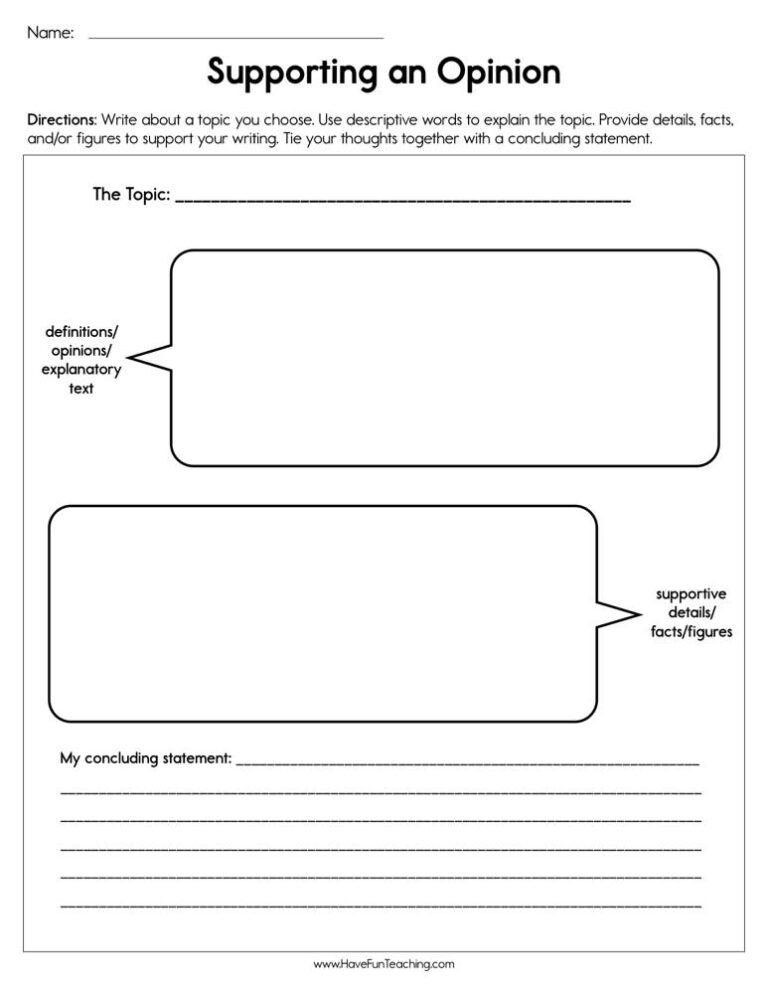
This supporting an opinion worksheet helps 3rd graders find the opinion, reasons, example and conclusion in a model paragraph, then plan their own. An answer key is included.
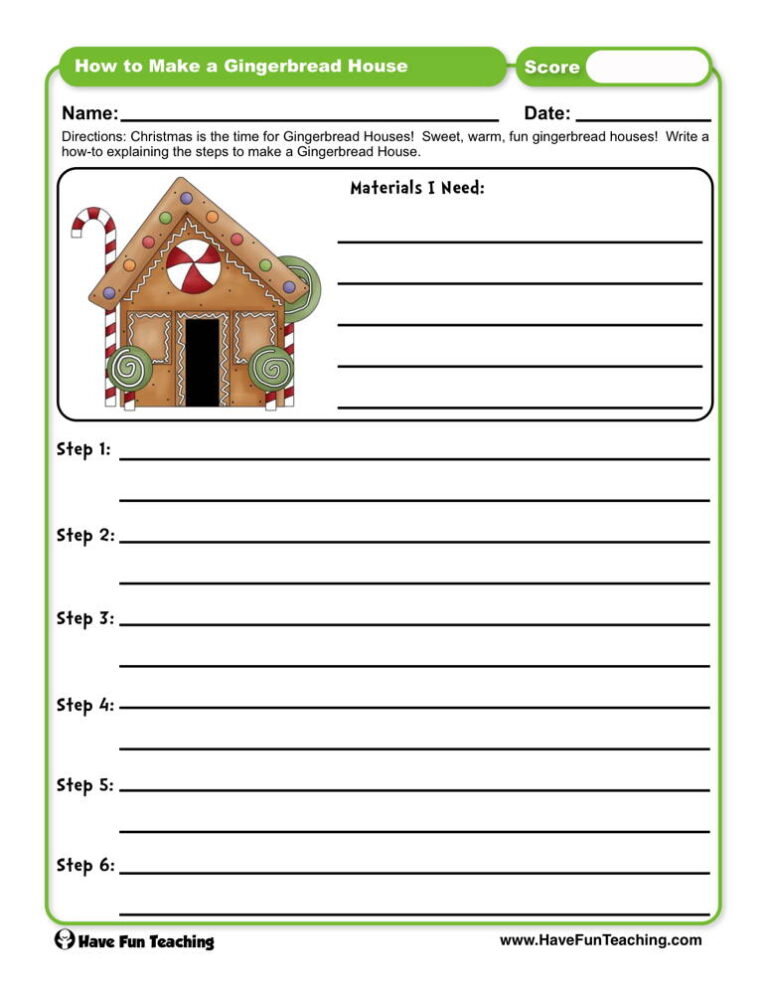
This how to make a gingerbread house worksheet has 3rd graders number six mixed-up steps in order, then plan their own how-to with sequencing words. An answer key is included.

Using this Writing Tweets Activity, students choose a prompt about the included story "Making a Milk or Juice Carton Bird Feeder" and produce a writing sample.

Using Back to School Adjective Writing Activity, students write about the first day of school to including details to describe actions, thoughts, and feelings.

This work in progress peer review worksheet lets 3rd grade students draft a report, then trade papers so a partner can check it and share praise and one clear idea for revising.

Using Find Out More Research Project Writing Activity, studentsparticipate in shared research and writing projects to learn about any topic.
Using this Digital Dilemma Research Activity, students use digital tools to follow directions on a task card.

Using What Do You Think Opinion Writing Activity, students write opinion pieces on topics or texts, supporting a point of view with reasons.

Using Explain It All Informative Explanatory Writing Activity, students write informative and explanatory texts to examine a topic and convey ideas and information clearly.
Reviews
There are no reviews yet