

I Can Use Digital Tools Worksheet
The I Can Use Digital Tools Worksheet lets 2nd grade students log the date and story each time they practice a computer skill, building confidence as they type, save, and share their writing.
$6.97
Want this one free?
Tell us where to send it and it’s yours — no card, no catch.
One free resource per teacher. We’ll also send free teaching ideas each week — unsubscribe anytime.
Free teacher account · no credit card
Membership
Get every game, song, & printable
- Every game, on any device
- 6,500+ resources
- Assign online with HFT Classroom
Then $39.97/year · cancel anytime · See plans
- Instant digital download
- Printable PDF + answer key
- Made by real teachers
Teacher / Family membership
Teaching is easier with every resource
One membership for your whole year: 6,500+ worksheets, games, songs and videos for Preschool–6th, for your classroom or homeschool.
- Unlimited printables & downloads
- Every game, on any device
- Assign online with HFT Classroom
- Cancel anytime
Teacher / Family membership · 3 days free
Yearly
Monthly would be $119.64 a year
$3.33/month
Billed $39.97 once a year
You save $79.67 every year
Start My 3 Free Days$0 today · cancel anytime
Monthly
$9.97/month
Flexible, month to month
Yearly is just $3.33/mo. Switch and save $79.67
Start My 3 Free Days$0 today · cancel anytime
About this resource
Description
How to Teach Using Digital Tools
Today’s young writers draft, edit, and share their work on screens as often as on paper. The I Can Use Digital Tools Worksheet helps 2nd grade students build the basic computer skills they need to produce and publish their writing, from logging in and using a mouse to adding a picture, saving a file, and printing a finished story. Naming each skill in kid-friendly “I can” language lets children see exactly what they can already do and what comes next.
About This Worksheet
This digital tools writing log lists eight everyday computer skills, each written as a short “I can” statement. Every time a student tries a skill while writing on a computer, they record the date and the name of the story or topic they were working on. Keep the I Can Use Digital Tools Worksheet in a writing folder or near the classroom computers so students can add to it across several weeks. Because every response is the child’s own, the sheet is a single open-ended page.
What’s Included
- A one-page log with eight “I can” digital skill statements
- Roomy Date and My Story or Topic columns sized for 2nd grade handwriting
- Clear two-sentence directions students can read on their own
Why It Helps Kids
- It turns abstract technology goals into concrete, checkable steps.
- It connects computer skills to real writing, so each skill has a purpose.
- It builds independence and pride as students watch their log fill up.
Ideas for Teachers and Parents
Model one skill at a time during a mini-lesson, then let students practice it while they type a short story. At home, parents can sit beside their child for a few minutes of typing and help them fill in a new row. Use the finished log during conferences to celebrate growth and set the next goal.
Related Resources
What teachers say
Reviews
Write a review, earn store credit
Get 25¢ in credit for every approved review of a resource you’ve downloaded, played or purchased — up to 15 a month. Credit applies automatically to your membership payments, so your reviews can help pay for your membership.
Honest reviews only — any star rating earns the same. Program rules
Log in to write a review and earn store credit.

This Writing Graphic Organizer Worksheet helps 2nd graders plan informative writing by choosing a topic, listing three facts, and adding a closing sentence. A simple, no-prep planning page for confident, organized young writers.
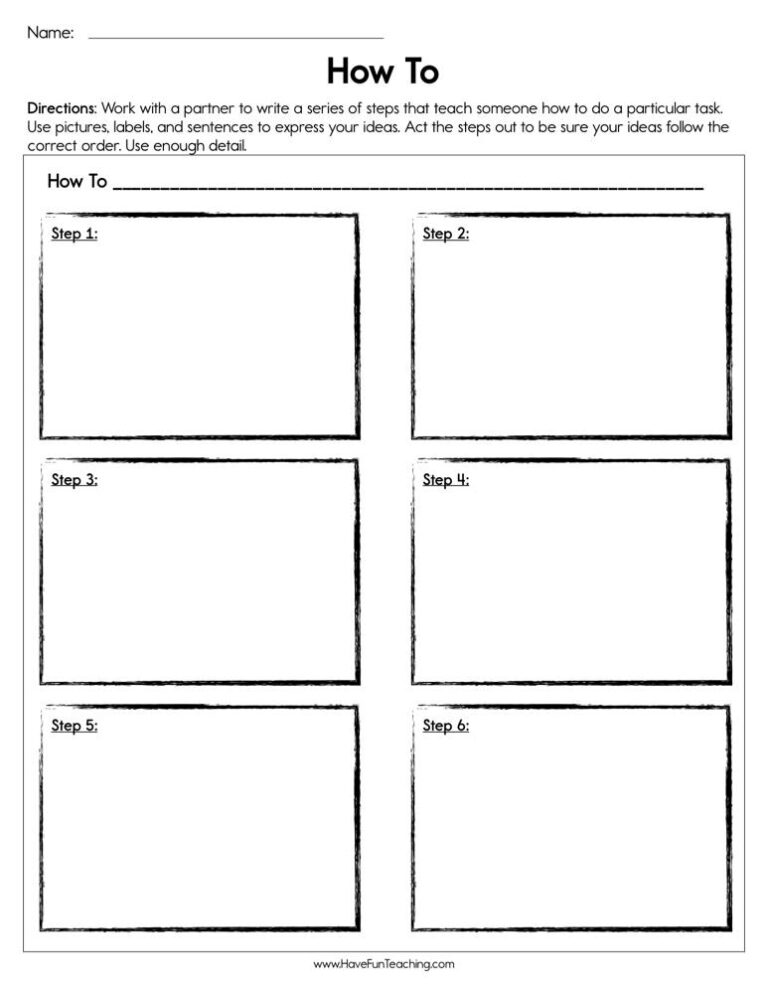
This How to Worksheet gives 2nd graders five how-to steps for a pinecone bird feeder printed out of order, two short questions, and an answer key for no-prep practice with sequencing and how-to writing.
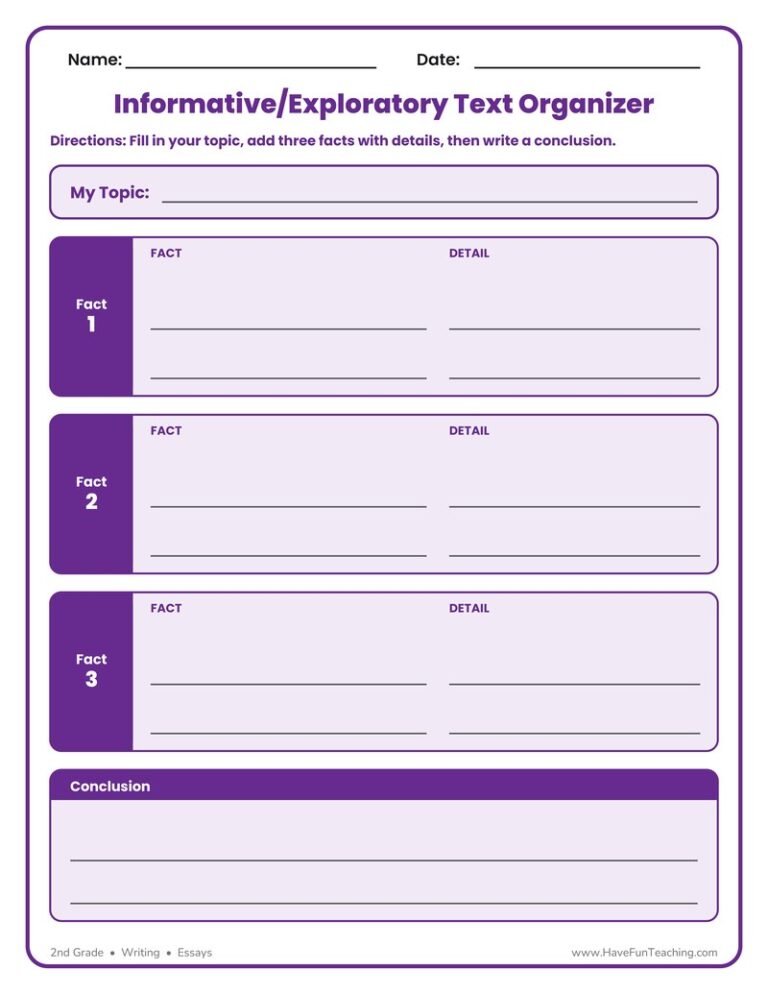
The Informative Exploratory Text Organizer Worksheet helps 2nd grade writers plan a topic, three supporting facts and details, and a conclusion. A simple, no-prep way to organize informative writing before drafting.

Let's Publish My Writing Activity helps 2nd to 4th Grade writers pick a prompt card, plan, and type one full page on the computer, then check their work with a publishing checklist.

Progress in Writing Worksheet gives 2nd Grade students three sentences to edit and a picture prompt to write about, with an answer key included, so young writers practice fixing and creating in one lesson.

Use this strengthen your writing worksheet to help 2nd graders edit sentences for capitals, end marks, and spelling, then revise with stronger verbs. An answer key is included for quick checking.
This back to school adjective writing activity helps 1st to 3rd grade students plan a first-day story and add describing words. An answer key is included for the practice page.
The best season is writing activity guides 1st-3rd Grade writers to plan and publish an opinion piece about their favorite season, with a model, practice and answer key included.
Using this Help From Other Author's Activity helps, students collect story elements from literary or informational texts to write their own story.
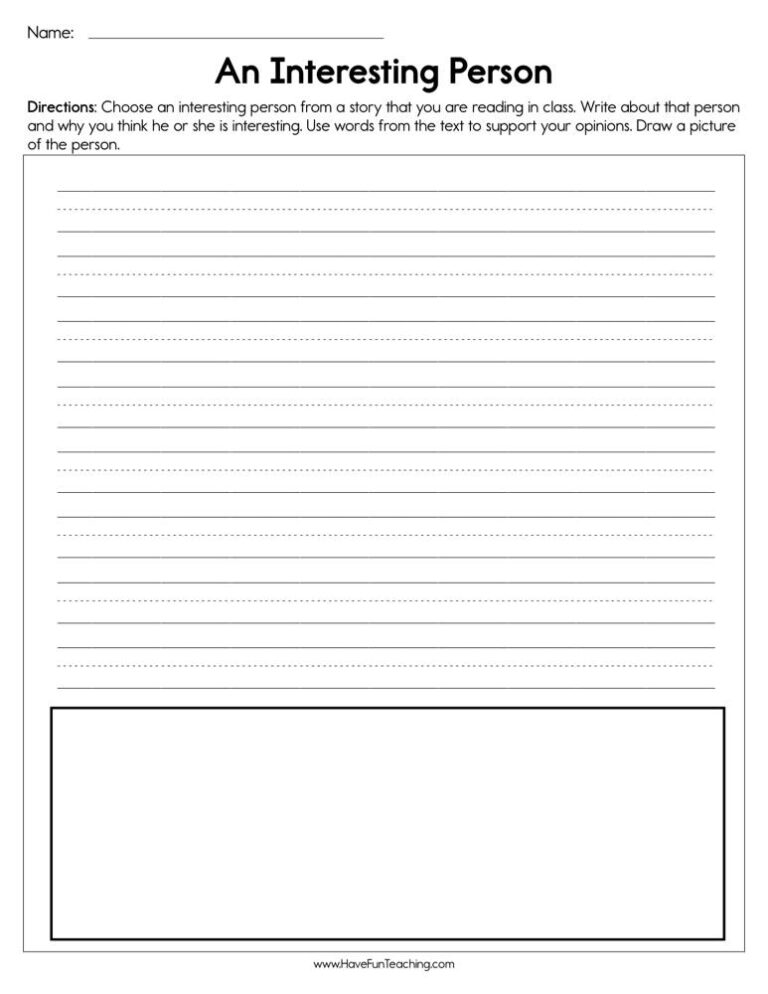
This An Interesting Person Worksheet lets 2nd graders choose a character from any book, explain why that person is special, and draw a picture, building strong opinion writing skills.

Using Write about Bugs Activity, studentswrite informative texts in which they introduce a topic, use facts and definitions to develop points, and provide a concluding statement or section.
Using W.2.5 Second Grade Common Core Lesson, studentsfocus on a topic and strengthen writing as needed by revising and editing.
Reviews
There are no reviews yet