

Digital Tools Assessment Worksheet
This digital tools assessment worksheet lets 2nd graders match keyboard keys to their jobs and order the steps for sharing a story, with an answer key included for quick checking.
$6.97
Or free with a membership — members pay $3.33/mo for all 10,000+ resources. See plans
Want this one free?
Tell us where to send it and it’s yours — no card, no catch.
One free resource per teacher. We’ll also send free teaching ideas each week — unsubscribe anytime.
Teaching is easier with a membership
Unlimited printables, games & videos for PreK–6th — for your classroom or homeschool. Cancel anytime.
Start your 3-day free trial$0 today · cancel anytime · Instant access to 10,000+ resources
About this resource
Description
Second graders are asked to use digital tools to write and publish their stories, and this digital tools assessment worksheet checks whether they know the keys and steps that make that possible. Children match four keyboard keys and buttons to the jobs they do, then put the four steps of sharing a story on a computer in the right order. It is a quick way to see who is ready to type a story on their own and who still needs a little more practice at the keyboard.
The first part lists Backspace, Save, Shift and the Space Bar in big, easy-to-read labels. Students read each short job on the right side of the page and draw a line from every key or button to the job it does. In the second part, children read four steps for typing, fixing, saving and printing a story, then write the numbers 1 to 4 in the boxes to show the correct order. A friendly printer picture helps young writers picture the last step of publishing their work.
What’s Included
- 1 print-ready PDF worksheet for 2nd grade
- A matching activity with four keyboard keys and buttons
- A number-the-steps activity about publishing a story
- An answer key on the last page
Why This Worksheet Helps Kids
First, it connects technology to writing, so children see the keyboard as a tool for telling their own stories. Second, the matching part builds the exact habits young typists need, like using Shift for a capital letter and Backspace to fix a mistake. Third, putting the publishing steps in order reminds students that good writers read and fix their work before they save and share it.
Ideas for Teachers and Parents
Use this 2nd grade technology worksheet before a class typing project to find out what your students already know. Sit beside a child at a computer and let them show you each key after they finish the page. You can also send the digital tools assessment worksheet home so families can talk about how they save and print their own work, or keep it in a technology center as a quick review.
Related Resources
What teachers say
Reviews
You must be logged in to post a review.

This Writing Graphic Organizer Worksheet helps 2nd graders plan informative writing by choosing a topic, listing three facts, and adding a closing sentence. A simple, no-prep planning page for confident, organized young writers.

Using Experience Narrative Worksheet, students dictate, write, or draw about a time in their lives to give descriptive information.
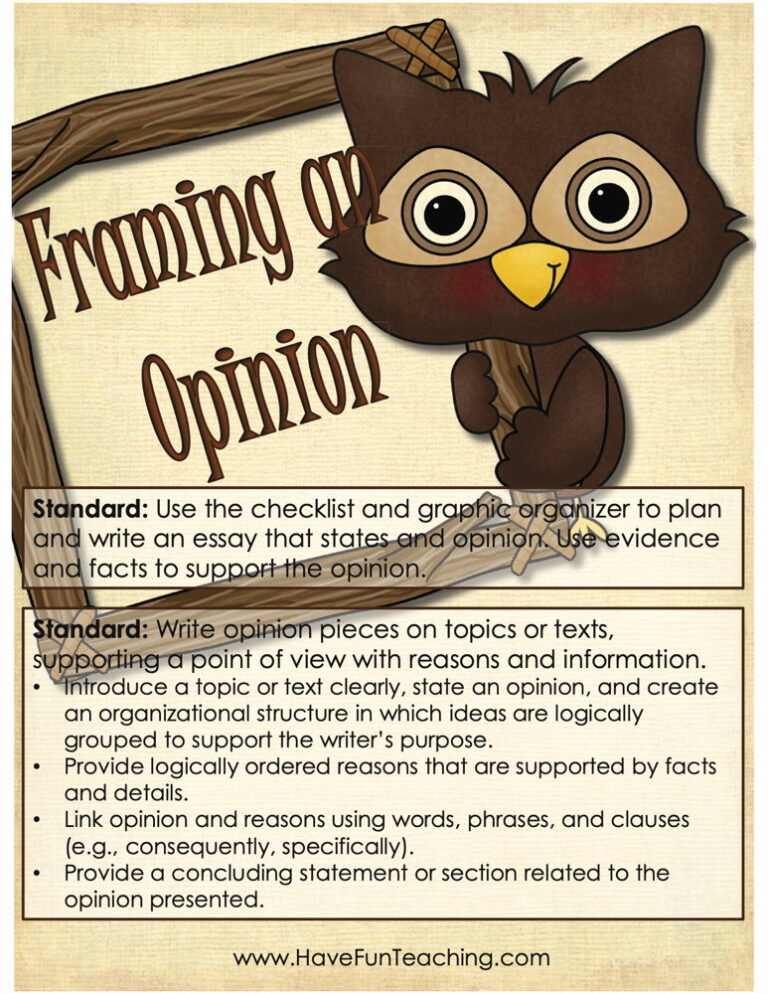
Using this Framing an Opinion Activity, students gain skills on writing opinion pieces on topics or texts that support a point of view with reasons and information.

Progress in Writing Worksheet gives 2nd Grade students three sentences to edit and a picture prompt to write about, with an answer key included, so young writers practice fixing and creating in one lesson.
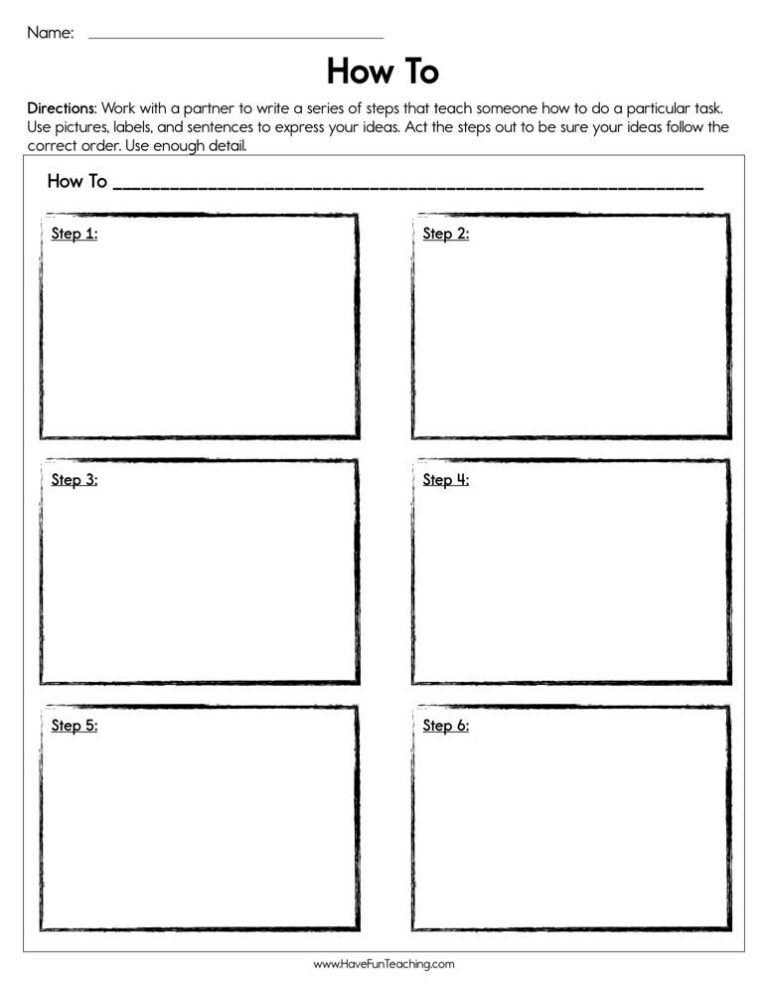
This How to Worksheet gives 2nd graders five how-to steps for a pinecone bird feeder printed out of order, two short questions, and an answer key for no-prep practice with sequencing and how-to writing.
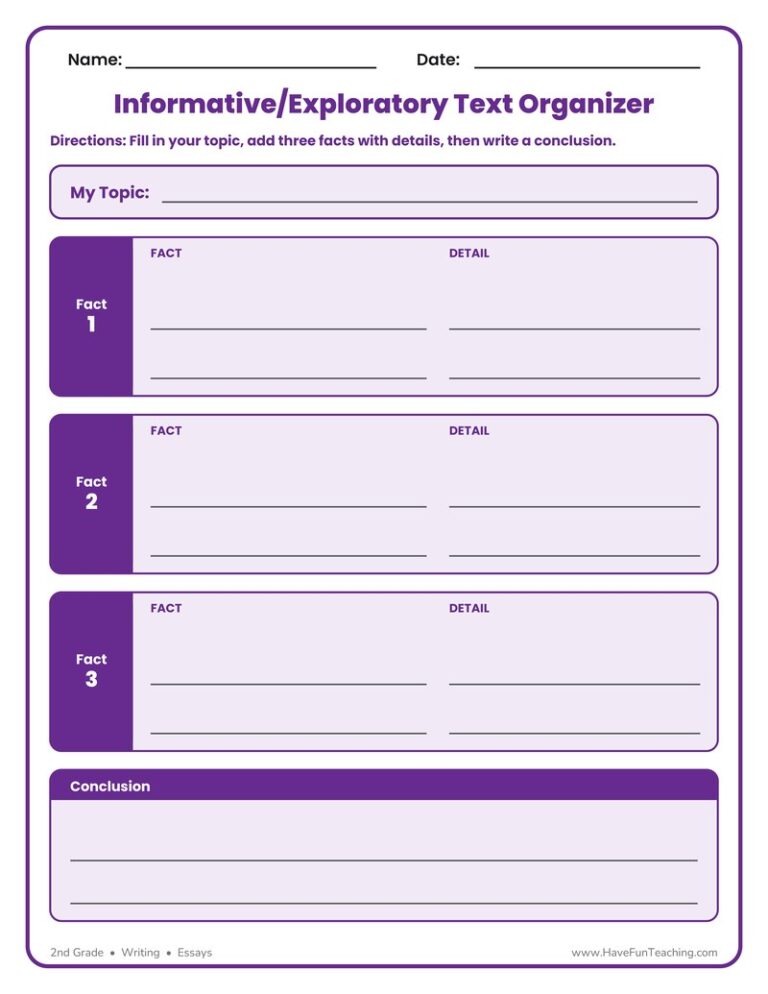
The Informative Exploratory Text Organizer Worksheet helps 2nd grade writers plan a topic, three supporting facts and details, and a conclusion. A simple, no-prep way to organize informative writing before drafting.
Using W.2.5 Second Grade Common Core Lesson, studentsfocus on a topic and strengthen writing as needed by revising and editing.
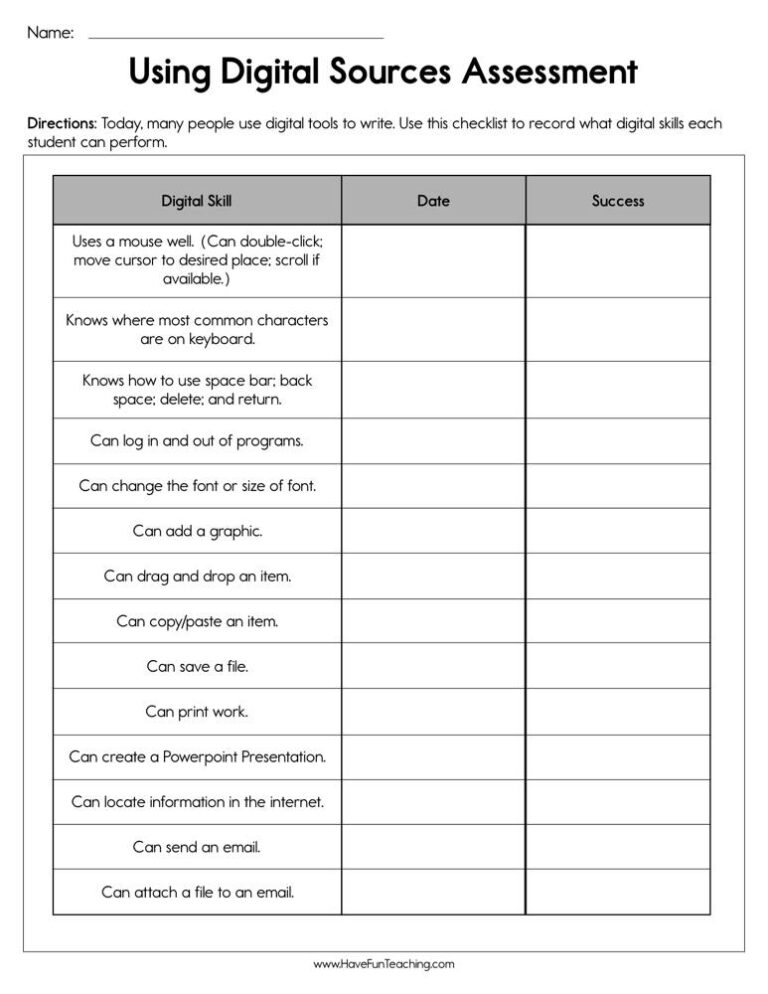
Using Using Digital Sources Assessment Worksheet, teachers record the digital tools their students show proficiency using as they produce and publish writing.

Using Back to School Adjective Writing Activity, students write about the first day of school to including details to describe actions, thoughts, and feelings.

Using Animal Facts Worksheet, students write an informative text piece that names the animal, gives facts about the animal, and ends so the reader feels the writing is complete.
This progressing in writing worksheet lets 2nd grade students write about a favorite activity, share it with a friend, and use a simple checklist to revise and edit their work with confidence.

Using Find Out More Research Project Writing Activity, studentsparticipate in shared research and writing projects to learn about any topic.
Reviews
There are no reviews yet