
Skip to content
Start My 3 Free Days $0 today · cancel anytime

4th Grade Technology Resources

11 4th grade technology resources: 8 activities, 1 worksheet and 1 assessment. How teachers use these

4th Grade Technology Resources

11 4th grade technology resources: 8 activities, 1 worksheet and 1 assessment. How teachers use these

Assessment
Assessment4th GradeMy Computer Died Reading Comprehension Worksheet

An original fiction story about a laptop that dies the night before a big report is due. This My Computer Died Reading Comprehension Worksheet builds 4th grade text-evidence skills, and a complete answer key is included.

Activity
Activity4th GradeLet's Publish My Writing Activity

Let's Publish My Writing Activity helps 2nd to 4th Grade writers pick a prompt card, plan, and type one full page on the computer, then check their work with a publishing checklist.

Activity
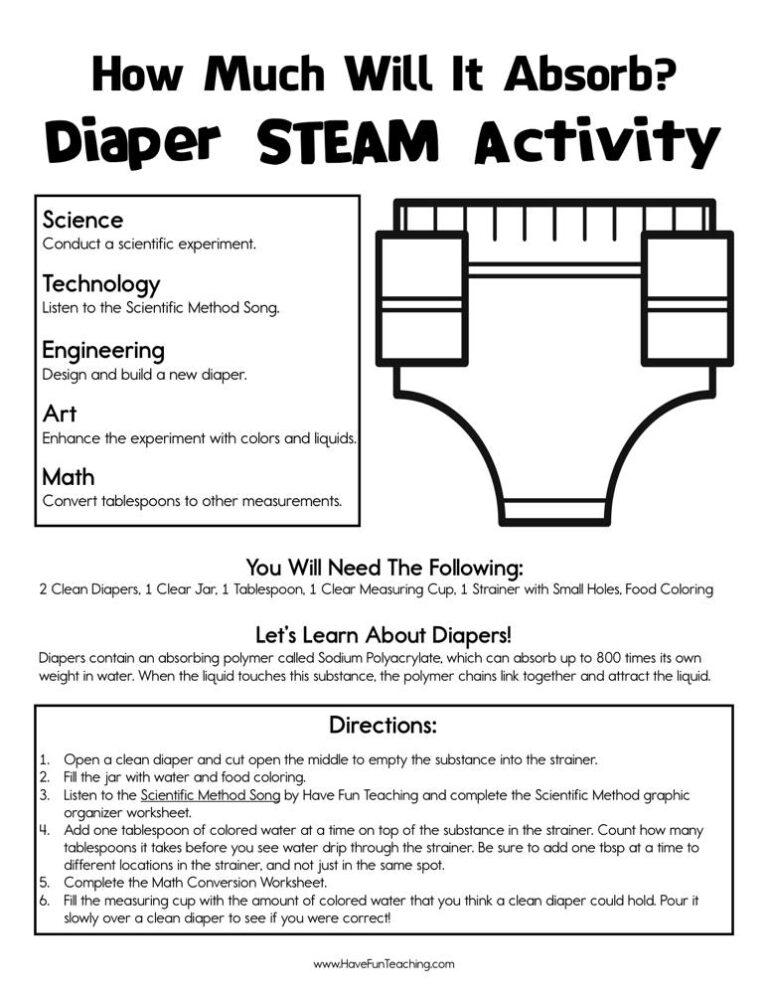
Activity4th GradeHow Much Will It Absorb Diaper STEAM Activity

Run the How Much Will It Absorb Diaper STEAM Activity as a real lab for 4th to 6th grade: test diaper gel, convert capacity units, and design a diaper, with an answer key included.

Activity
Activity4th GradeDigital Dilemma Research Activity

Students hunt for U.S. government facts with this digital dilemma research activity for 3rd to 5th grade, checking each answer in a website and a book. An answer key is included.

Activity
Activity4th GradePublish It Writing on the Computer Activity

Using Publish It Writing on the the Computer Activity, students use technology to produce and publish writing as well as to interact and collaborate with others.

Activity
Activity4th GradeName That President Smartboard Game

Using Name That President Smartboard Game, students look at pictures of each president to build their knowledge of our past presidents.

Activity
Activity4th GradeGet to the Point PowerPoint Activity

Using this Get to the Point PowerPoint Activity, students learn to include multimedia components such as graphics, sounds, and visual displays in presentations when appropriate to enhance the development of main ideas or themes.

Activity
Activity4th GradeEnhancing My Presentation Activity

Using Enhancing My Presentation Activity, students add audio recordings and visual displays to presentations to enhance the development of main ideas.

4th GradeComputer Whiz Reward Certificate for Boys

Using the Computer Whiz Reward Certificate for Boys, your student will feel celebrated and recognized for their accomplishment of being a computer whiz.

4th GradeComputer Whiz Reward Certificate for Girls

Using the Computer Whiz Reward Certificate for Girls, your student will feel celebrated and recognized for their accomplishment of being a computer whiz.

From our teachers' playbook

Click, type, create, publish!

What do 4th graders learn about technology?

Fourth graders move from using technology to creating with it. They type and format their own writing, build simple slideshows, and learn to search the internet and decide if a website can be trusted. Digital citizenship becomes a big deal too: kids talk about passwords, kindness online and what to do when something doesn't feel right. Many also try beginning coding and learn basic computer care. The click moment is when a student publishes a polished piece and says, "I made that!"

Our favorite ways to teach technology

Technology skills stick when kids use them for something real. These moves give every click a purpose.

Show the click path

Project your screen and publish a short paragraph while kids watch: open, type, change the font, add a picture, save. Say each step out loud. Then kids publish their own writing with the steps posted beside them.

Why it works: showing first, practicing together, then letting kids try alone is the "gradual release" model teachers have relied on for decades (Pearson and Gallagher, 1983).

Publish It Writing on the Computer ActivityTry it withPublish It Writing on the Computer ActivityActivitiesOpen it →

Slides with a point

Have kids make a 4-slide presentation on a topic they love, with a rule: one big idea per slide and no more than 10 words. They learn that good slides are short and clear, then present to a partner for feedback.

Why it works: kids understand an idea best when they touch it, then draw it, then write it, the order the U.S. Department of Education recommends for elementary math.

Get to the Point PowerPoint ActivityTry it withGet to the Point PowerPoint ActivityActivitiesOpen it →

Digital dilemma debates

Read a short scenario, like a friend asking for your password or a mean comment in a group chat. Kids decide what to do in small groups and share. Practicing online choices out loud prepares them for the real thing.

Why it works: playful practice with a clear goal keeps kids practicing longer, and simple learning games have been shown to build real skills (Ramani and Siegler, 2008).

Digital Dilemma Research ActivityTry it withDigital Dilemma Research ActivityActivitiesOpen it →

Questions parents and teachers ask

What technology skills should a 4th grader have?

Most 4th graders can type short pieces, format text, save and find files, make a simple slideshow and search the internet safely. Many also begin basic coding and learn rules for being a good digital citizen.

How do I teach digital citizenship in 4th grade?

Use real scenarios kids may face: sharing passwords, unkind comments or a pop-up asking for personal information. Talk through good choices and make sure kids know to tell a trusted adult.

How fast should a 4th grader type?

Many 4th graders type around 10 to 20 words per minute. Accuracy and good habits, like using both hands, matter more than speed at this age.

How can kids practice technology skills at home?

Let them type a letter to a relative, make a slideshow about a family trip or research a favorite animal. Real projects build skills faster than drills alone.