Skip to content
Start My 3 Free Days $0 today · cancel anytime

3rd Grade Technology Resources

15 3rd grade technology resources: 8 activities, 6 worksheets and 1 assessment. How teachers use these

3rd Grade Technology Resources

15 3rd grade technology resources: 8 activities, 6 worksheets and 1 assessment. How teachers use these

Worksheet
Worksheet3rd GradeUsing Digital Resources Assessment Worksheet

This using digital resources assessment worksheet asks 3rd graders to choose the right online tool for each job and solve writing problems with computer skills. An answer key is included.

Worksheet
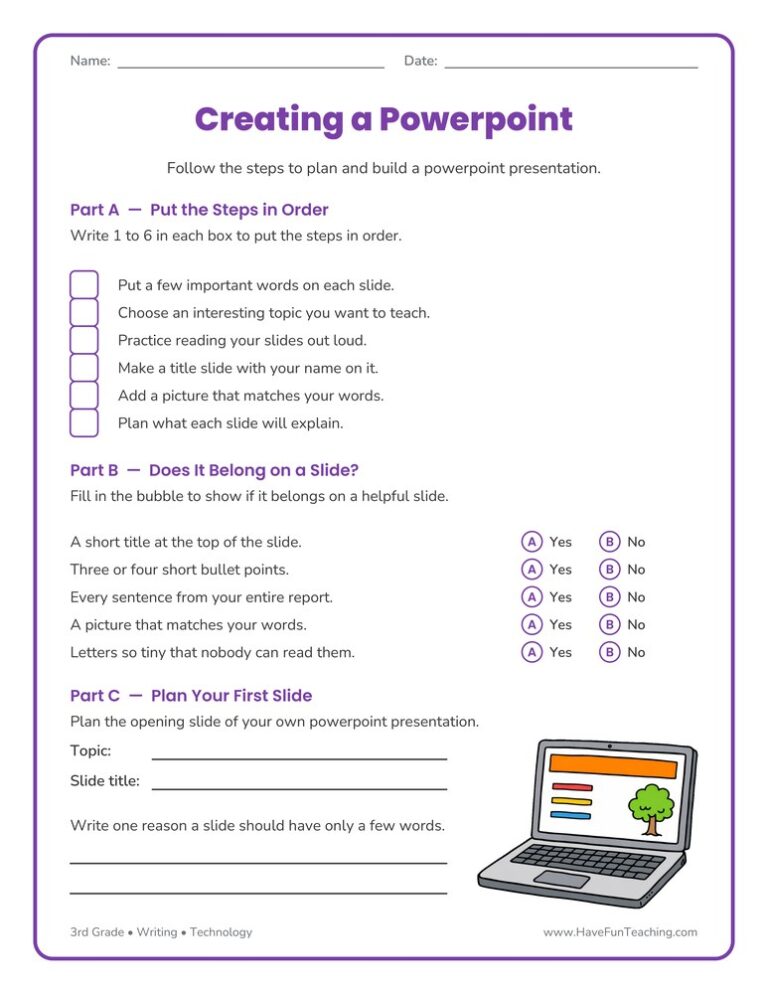
Worksheet3rd GradeCreating a Powerpoint Worksheet

The Creating a Powerpoint Worksheet walks 3rd graders through ordering the steps, deciding what belongs on a slide, and planning their own opening slide. Answer key included, so presentation practice takes no prep at all.

Worksheet
Worksheet3rd GradeTechnology Worksheet

Use this technology worksheet to sort twelve everyday tools by the job each one does. Built for 3rd grade science, with clue items and an answer key included.

Activity
Activity3rd GradeLet's Publish My Writing Activity

Let's Publish My Writing Activity helps 2nd to 4th Grade writers pick a prompt card, plan, and type one full page on the computer, then check their work with a publishing checklist.

Activity
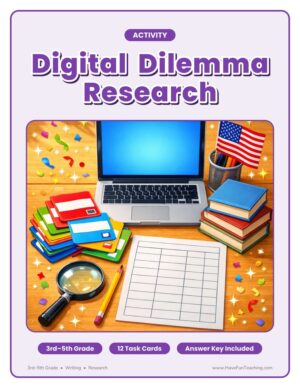
Activity3rd GradeDigital Dilemma Research Activity

Students hunt for U.S. government facts with this digital dilemma research activity for 3rd to 5th grade, checking each answer in a website and a book. An answer key is included.

Activity
Activity3rd GradeRobot Cut Outs

This robot cut outs worksheet gives 3rd grade students four robots to fill with ideas for helpful robot jobs, then color and cut out, building a bright technology bulletin board the whole class can enjoy.

Assessment
Assessment3rd GradeTommy's Robot Reading Comprehension Worksheet

This Tommy's Robot Reading Comprehension Worksheet gives 3rd graders an original story about building a robot, then checks how well they followed each step. Answer key included, so comprehension practice takes no prep.

Activity
Activity3rd GradePublish It Writing on the Computer Activity

Using Publish It Writing on the the Computer Activity, students use technology to produce and publish writing as well as to interact and collaborate with others.

Activity
Activity3rd GradeName That President Smartboard Game

Using Name That President Smartboard Game, students look at pictures of each president to build their knowledge of our past presidents.

Worksheet
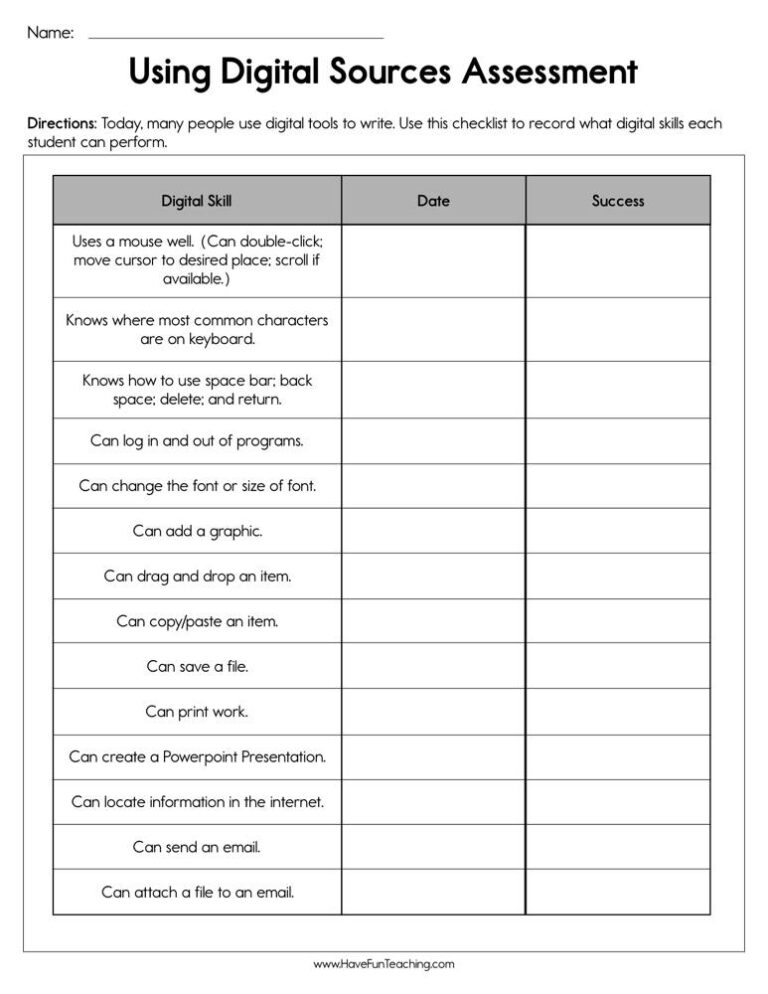
Worksheet3rd GradeUsing Digital Sources Assessment Worksheet

This using digital sources assessment worksheet lets 3rd graders sort print and digital sources, pick strong search words, and take notes from a web page. An answer key is included for quick grading.

Activity
Activity3rd GradeGet to the Point PowerPoint Activity

Using this Get to the Point PowerPoint Activity, students learn to include multimedia components such as graphics, sounds, and visual displays in presentations when appropriate to enhance the development of main ideas or themes.

Activity
Activity3rd GradeEnhancing My Presentation Activity

Using Enhancing My Presentation Activity, students add audio recordings and visual displays to presentations to enhance the development of main ideas.

3rd GradeComputer Whiz Reward Certificate for Boys

Using the Computer Whiz Reward Certificate for Boys, your student will feel celebrated and recognized for their accomplishment of being a computer whiz.

3rd GradeComputer Whiz Reward Certificate for Girls

Using the Computer Whiz Reward Certificate for Girls, your student will feel celebrated and recognized for their accomplishment of being a computer whiz.

From our teachers' playbook

Type it, build it, share it!

What do 3rd graders learn in technology?

Third grade is when kids start using technology to make things, not just watch them. They type and publish their own writing, build simple slide presentations, and learn to search for information and decide if a website is a good source. They also learn digital citizenship: keeping personal information private, being kind online, and giving credit for what they use. The big moment is when a student clicks through a slideshow they made all by themselves and the class claps.

How we teach technology in 3rd grade

Kids learn tech best when they have a real project. These moves keep lessons purposeful.

Build a slide together

Project a blank presentation and build one slide while thinking aloud: title, picture, three short points. Then kids make their own slide on a topic they just studied. Watching you choose and cut words teaches more than any rule list.

Why it works: handing over the work step by step, from teacher to student, is one of the most widely used teaching frameworks (Pearson and Gallagher, 1983).

Creating a Powerpoint WorksheetTry it withCreating a Powerpoint WorksheetWorksheetsOpen it →

Publish real writing

Have kids type a piece they already wrote by hand, then add a title and a picture. Seeing their story look like a real book is a huge motivator, and they practice keyboarding without boring drills.

Why it works: the U.S. Department of Education's guide for teaching elementary math recommends moving from hands-on objects to drawings to numbers.

Publish It Writing on the Computer ActivityTry it withPublish It Writing on the Computer ActivityActivitiesOpen it →

Is this source good?

Show two websites on the same topic and ask kids which they would trust and why. Check their thinking with a short assessment. Learning to question a source is one of the most useful skills they will ever practice.

Why it works: pulling an answer out of memory makes it stick far better than rereading it, one of the strongest findings in learning research (Dunlosky and colleagues, 2013).

Using Digital Resources Assessment WorksheetTry it withUsing Digital Resources Assessment WorksheetWorksheetsOpen it →
Questions parents and teachers ask

What technology skills should a 3rd grader have?

Most third graders are learning to type short pieces, save and open files, make a simple slide presentation, search the internet safely and follow rules for being kind and safe online.

What is digital citizenship for kids?

It means using technology safely, kindly and responsibly. That includes keeping passwords and personal information private, being respectful online and telling an adult when something feels wrong.

How can 3rd graders practice typing?

Have them type things they care about, like a story, a letter or a book review. Short daily practice with both hands on the home row works better than long sessions.

How do I teach kids to tell if a website is reliable?

Teach them to ask who made the site, when it was updated and whether the information matches another good source. Sites from schools, museums and government agencies are often good places to start.