Skip to content
Start My 3 Free Days $0 today · cancel anytime

Technology Worksheets

11 technology worksheets. Teacher favorites: My Computer Died Reading Comprehension Worksheet and Using Digital Resources Assessment Worksheet. How teachers use these

Technology Worksheets

11 technology worksheets. Teacher favorites: My Computer Died Reading Comprehension Worksheet and Using Digital Resources Assessment Worksheet. How teachers use these

Worksheet
Worksheet4th GradeMy Computer Died Reading Comprehension Worksheet

An original fiction story about a laptop that dies the night before a big report is due. This My Computer Died Reading Comprehension Worksheet builds 4th grade text-evidence skills, and a complete answer key is included.

Worksheet
Worksheet3rd GradeUsing Digital Resources Assessment Worksheet

This using digital resources assessment worksheet asks 3rd graders to choose the right online tool for each job and solve writing problems with computer skills. An answer key is included.

Worksheet
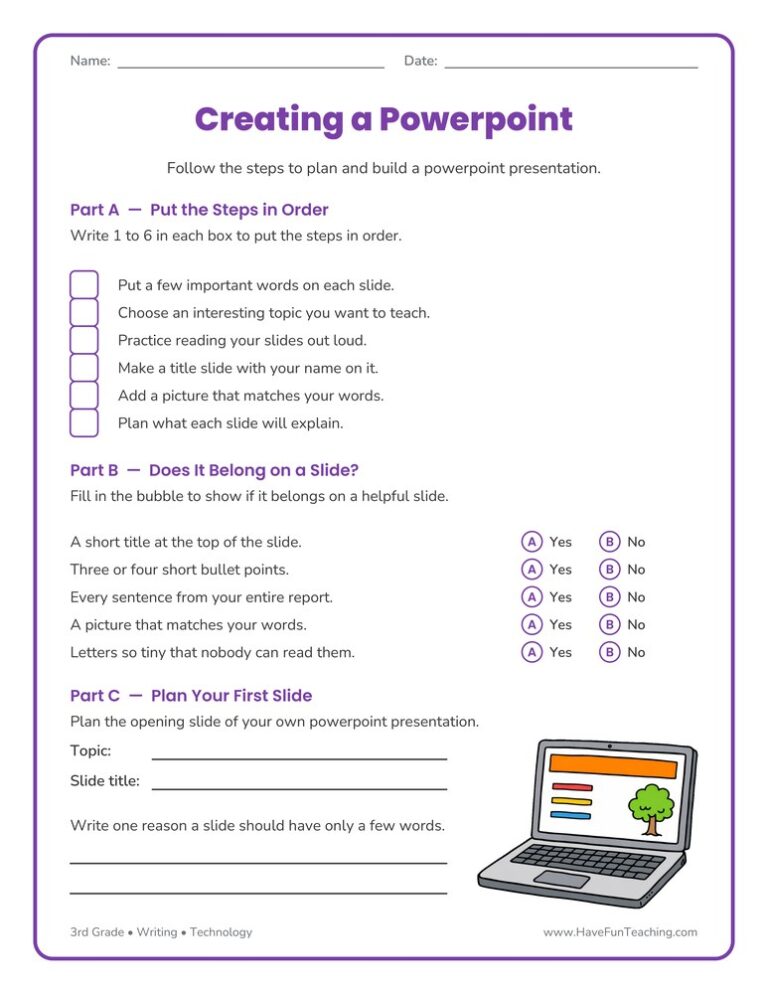
Worksheet3rd GradeCreating a Powerpoint Worksheet

The Creating a Powerpoint Worksheet walks 3rd graders through ordering the steps, deciding what belongs on a slide, and planning their own opening slide. Answer key included, so presentation practice takes no prep at all.

Worksheet
Worksheet3rd GradeTechnology Worksheet

Use this technology worksheet to sort twelve everyday tools by the job each one does. Built for 3rd grade science, with clue items and an answer key included.

Worksheet
Worksheet2nd GradeUsing Technology to Do Research Worksheet

This Using Technology to Do Research Worksheet gives 2nd grade students four sentences to finish with tool words and four research steps to put in order. An answer key is included.

Worksheet
Worksheet2nd GradeI Can Use Digital Tools Worksheet

The I Can Use Digital Tools Worksheet lets 2nd grade students log the date and story each time they practice a computer skill, building confidence as they type, save, and share their writing.

Worksheet
Worksheet1st GradeDigital Tools Skills Assessment Worksheet

A digital tools skills assessment worksheet for 1st grade teachers: twelve observable technology skills and a class grid with room for five students, so one page records who can do what and when.

Worksheet
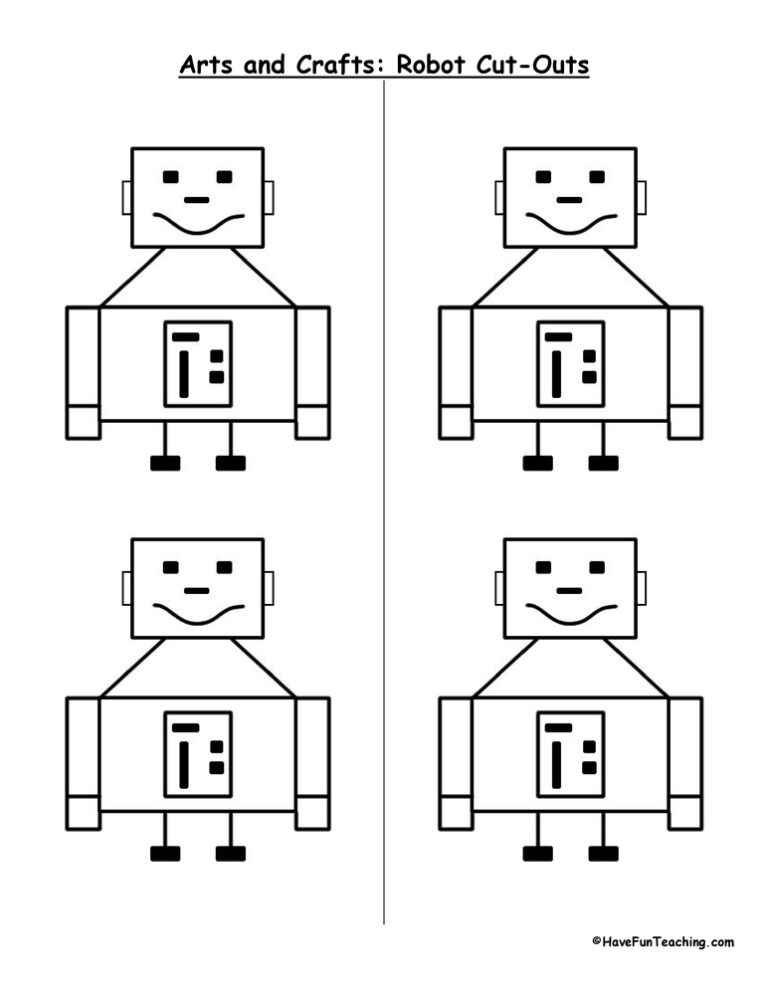
Worksheet3rd GradeRobot Cut Outs

This robot cut outs worksheet gives 3rd grade students four robots to fill with ideas for helpful robot jobs, then color and cut out, building a bright technology bulletin board the whole class can enjoy.

Worksheet
Worksheet3rd GradeTommy's Robot Reading Comprehension Worksheet

This Tommy's Robot Reading Comprehension Worksheet gives 3rd graders an original story about building a robot, then checks how well they followed each step. Answer key included, so comprehension practice takes no prep.

Worksheet
Worksheet2nd GradeDigital Tools Assessment Worksheet

This digital tools assessment worksheet lets 2nd graders match keyboard keys to their jobs and order the steps for sharing a story, with an answer key included for quick checking.

Worksheet
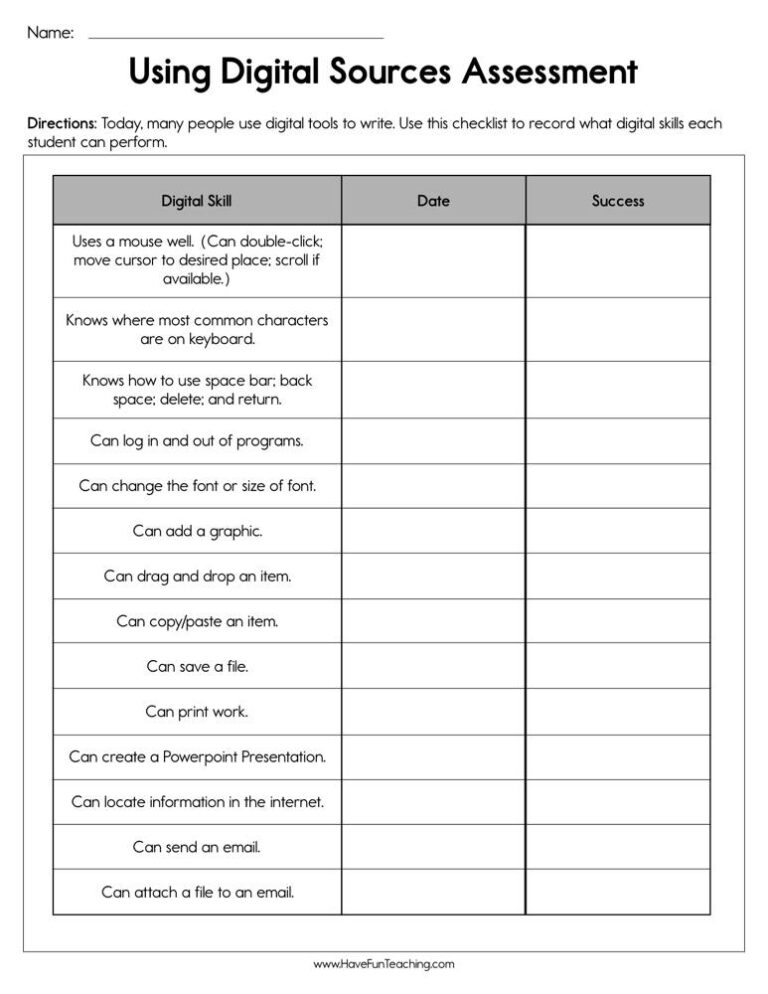
Worksheet3rd GradeUsing Digital Sources Assessment Worksheet

This using digital sources assessment worksheet lets 3rd graders sort print and digital sources, pick strong search words, and take notes from a web page. An answer key is included for quick grading.

From our teachers' playbook

Click, create, publish, explore!

What do kids learn in technology class?

In elementary technology class, kids learn to use digital tools safely and well. Younger students practice using a mouse, keyboard and interactive whiteboard. Older students learn to type and publish their writing, make slide presentations, research online and choose trustworthy sources. Digital citizenship is a big part too: being kind online, protecting personal information and making good choices. The click moment comes when a student finishes a slideshow and proudly presents it to the class.

Our favorite ways to teach technology skills

Tech skills grow when kids use them for real projects. These moves make that happen.

Model a slideshow step by step

Project your screen and build a simple slide while kids watch: add a title, a picture and one fact. Then they build their own on the same topic. Watching each click first saves lots of "How do I…?" questions.

Why it works: showing first, practicing together, then letting kids try alone is the "gradual release" model teachers have relied on for decades (Pearson and Gallagher, 1983).

Creating a Powerpoint WorksheetTry it withCreating a Powerpoint WorksheetWorksheetsOpen it →

Publish real writing

Have kids type a piece they already wrote by hand and add one picture. Then print it or share it with families. Publishing real work gives typing practice a purpose kids care about.

Why it works: going from real objects to pictures to symbols is a core recommendation of the U.S. Department of Education's elementary math guide.

Publish It Writing on the Computer ActivityTry it withPublish It Writing on the Computer ActivityActivitiesOpen it →

Quick digital skills check

Use a short checklist of skills like saving a file or opening a new tab. Kids show you each one at the computer. Quick checks show who needs help before a big project starts.

Why it works: researchers who compared ten study methods found practice testing is one of the two that work best (Dunlosky and colleagues, 2013).

Digital Tools Assessment WorksheetTry it withDigital Tools Assessment WorksheetWorksheetsOpen it →
Questions teachers and parents ask

What do elementary students learn in technology class?

They learn basic computer skills, keyboarding, online research, creating presentations and publishing writing, along with digital citizenship and online safety.

What is digital citizenship for kids?

It means using technology responsibly: being kind online, keeping personal information private, respecting others' work and asking an adult when something feels wrong.

When should kids learn to type?

Many schools introduce keyboarding around 2nd or 3rd grade, with more practice in 4th and 5th grade as students type longer pieces.

How can I teach technology safety at home?

Set clear rules about which sites and apps are okay, keep devices in shared spaces, and talk often about what to do if something online feels scary or strange.